

The Kali Linux VPS provides a strong, sécurisé, and highly flexible platform for professionals who require complete control over their penetration testing, cybersécurité, and development work. With the Kali Linux VPS, users can enjoy remote access to a dedicated platform that provides high performance and increased privacy, enabling them to work from anywhere without needing to depend on local computers. The Kali Linux VPS is perfect for ethical hackers, security researchers, and advanced users who need scalable resources, uninterrupted uptime, and the ability to customize tools and configurations according to their needs.

What Is a Kali Linux VPS?
A Kali Linux VPS is a virtual private server running with Kali Linux, a famous penetration testing and security auditing Linux distribution. Instead of installing the operating system on your own computer, the environment is running on the cloud, providing you with dedicated resources, accès à distance, and constant availability. This means security researchers, ethical hackers, and developers can perform scans, execute tools, and test networks from anywhere in the world without being constrained by local computer capabilities. The virtualization environment also enables users to dynamically adjust CPU, BÉLIER, and storage according to project needs, making it a versatile solution for short-term projects and long-term cybersecurity endeavors.
Main Features of a Kali Linux VPS
The main advantage of this environment is its unique toolkit and server-level infrastructure. A Kali Linux VPS usually comes with pre-configured security tools, accès root, excellent uptime, and the possibility to run custom scripts or frameworks. Since it is running in a virtualized setup, it is possible to create snapshots and backups before large-scale testing activities, ensuring you can revert back safely if something goes wrong.
Before reviewing the specifications, it’s helpful to see how typical configurations are structured:
| Fonctionnalité | Description | Pourquoi c'est important |
|---|---|---|
| Ressources dédiées | Allocated CPU, BÉLIER, SSD | Stable performance for heavy scans |
| Accès racine complet | Complete administrative control | Advanced customization |
| Remote Access | SSH or remote desktop | Work from anywhere |
| Forfaits évolutifs | Upgrade anytime | Handles growing workloads |
| Protection contre les attaques DDoS | Network-level defense | Ensures uptime during tests |
These features make the environment suitable for professional-grade operations that require reliability and control.

Hébergement Web WordPress
À partir de 3,99 $/mois
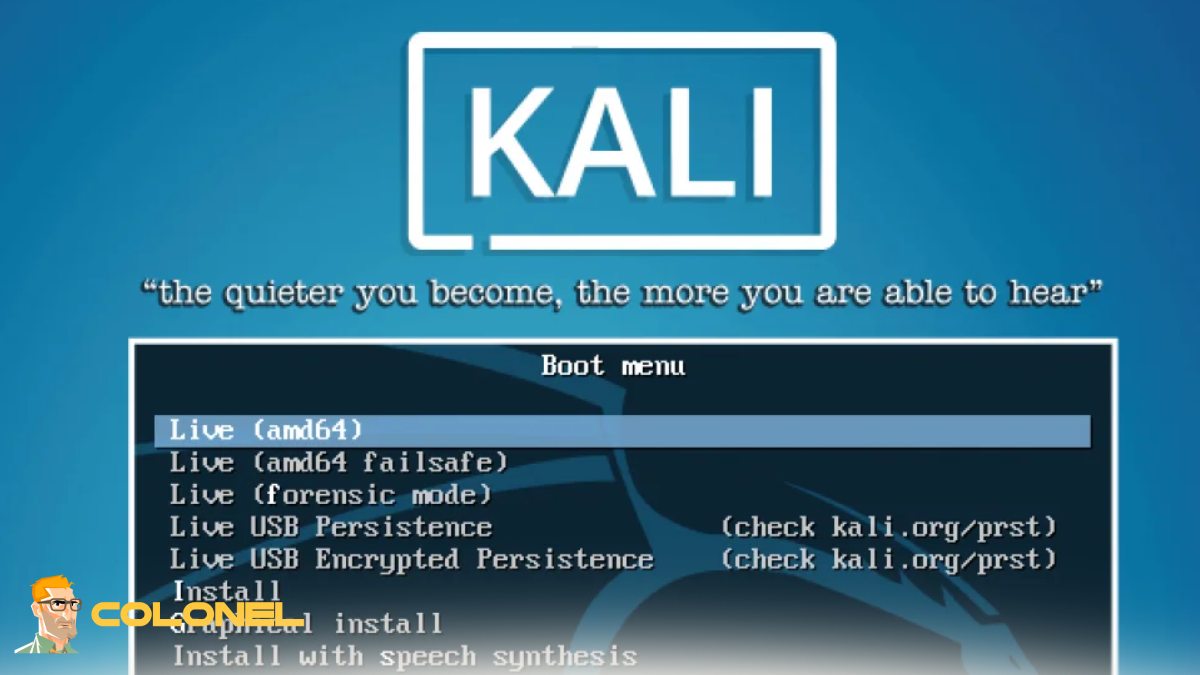
Benefits of Using a Kali Linux VPS for Cybersecurity
In terms of cybersecurity operations, having a Kali Linux VPS provides benefits that extend beyond mere convenience. It enables testers to work from a non-native IP range, as opposed to their home network, which is critical for maintaining operational segregation. Long-running vulnerability scans, password audits, and OSINT data collection operations can be performed 24/7 without impacting local system performance.
The key benefits are:
- Continuous operation for large-scale assessments
- Safe isolation from personal devices
- Faster processing with server hardware
- Global deployment locations for latency testing
These benefits make it ideal for professionals handling enterprise-level assessments or bug bounty programs.
Kali Linux VPS vs Local Installation
Whether to opt for a VPS or a local installation depends on the workflow. A Kali Linux VPS gets rid of the hardware constraints and the need for power. Your scans won’t be interrupted even if your laptop goes down, and you won’t have to worry about overheating and resource depletion.
Local installations, d'autre part, give you direct hardware interaction and offline functionality. Cependant, for most contemporary penetration testing engagements, remote hosting is more conducive to collaboration, management, and resource scaling.

Serveur VPS pas cher
À partir de 2,99 $/mois
Who Should Use a Kali Linux VPS?
A Kali Linux VPS is not limited to penetration testers. A Kali Linux VPS is beneficial for a variety of users, including security researchers, red teamers, administrateurs système, and even students studying ethical hacking.

Best Use Cases for Kali Linux VPS
The versatility of Kali Linux VPS makes it capable of handling a variety of professional tasks:
- Penetration testing of web applications
- Network vulnerability scanning
- OSINT and reconnaissance
- Security training environments
- Hosting CTF practice sites
The fact that it is always connected makes it ideal for automated tasks and team exercises as well.
Performance and Scalability Benefits
Performance is one of the best reasons to switch to Kali Linux VPS. Cloud hosting offers business-grade CPUs, NVMe drives, and fast bandwidth, making scans and tool interactivity much faster. Scalability ensures you only pay for what you use while still having the ability to scale up for bigger projects as well.
Before choosing a plan, it is essential to understand how resource utilization impacts performance:

Hébergement VPS Windows
Remote Access & Full Admin
| Resource | Small Projects | Large Security Assessments |
|---|---|---|
| Processeur | 2–4 cores | 8+ noyaux |
| BÉLIER | 4–8 GB | 16–32 Go |
| Stockage | 80–160 GB SSD | 320+ GB NVMe |
| Bande passante | 1 tuberculose | 5 TB+ |
This structure helps align your server configuration with your operational needs.
Privacy and Anonymity in Remote Security Testing
Operational privacy is another major advantage. A Kali Linux VPS allows testers to separate their personal identity from their professional activities. By using remote infrastructure, your home IP address and local network remain untouched during assessments. This is especially important for OSINT operations, reconnaissance, and accessing geographically restricted targets.
As noted by Offensive Security:
“Kali Linux is a powerful platform for penetration testing and security auditing, designed to provide professionals with the tools they need in a reliable environment.”
This reliability becomes even more impactful when deployed in a remote VPS setup.
How to Choose the Best Kali Linux VPS Provider
Selecting the right provider requires evaluating performance, sécurité, and support. A Kali Linux VPS should be hosted on infrastructure with strong uptime guarantees, SSD or NVMe storage, and multiple global locations. Root access, snapshot capability, and DDoS protection are essential.
If you’re comparing operating systems for your virtual infrastructure, you can also explore our guide to Meilleures distributions Linux pour serveurs virtuels to understand how Kali fits into a broader server strategy.
Essential Tools You Can Run on a Kali Linux VPS
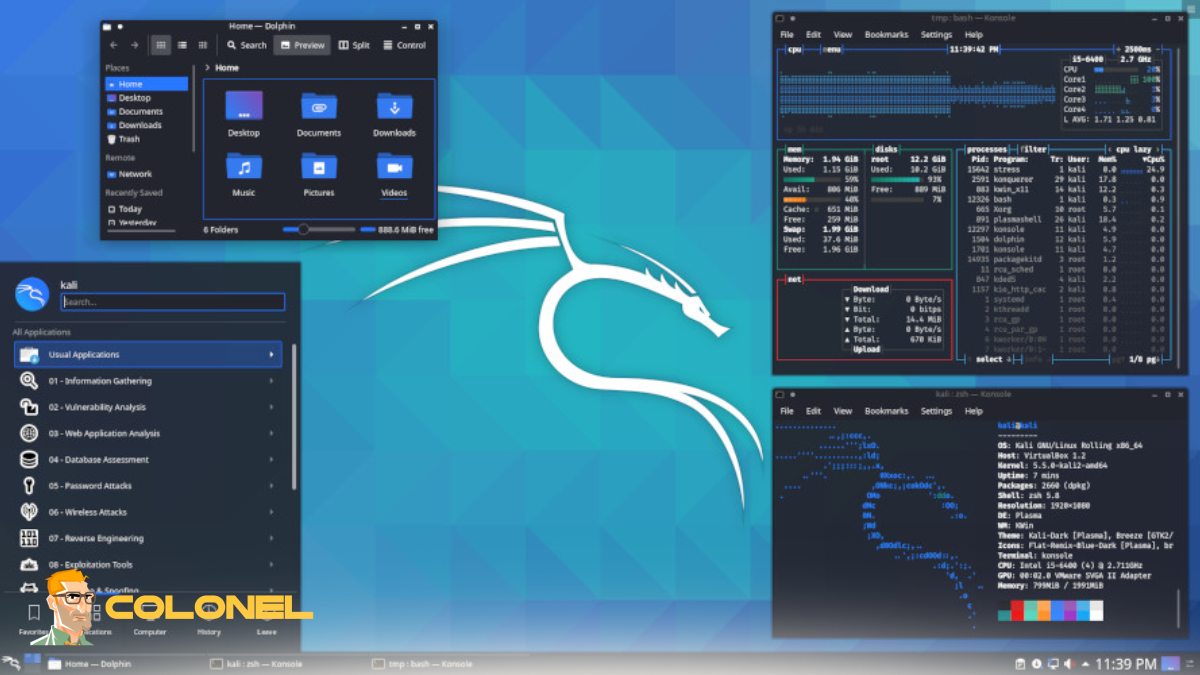
One of the biggest strengths of the platform is its toolset. A Kali Linux VPS can run hundreds of preinstalled tools without additional configuration, including scanners, exploitation frameworks, password auditing utilities, and wireless testing suites. This eliminates the need for manual installation and allows professionals to start working immediately after deployment.
Security Best Practices for Kali Linux VPS
Even though the environment is designed for security work, hardening the server itself is critical. A Kali Linux VPS should always be protected with SSH key authentication, firewall configuration, mises à jour régulières, and restricted access policies. Monitoring login attempts and disabling unused services significantly reduces attack surfaces.
Managed vs Unmanaged Kali Linux VPS
Managed servers come with support, update, and monitoring services, which are very helpful for new users or organizations that do not have system administrators. Unmanaged servers are cost-effective and give complete control to the user but require expertise in Linux.
Cost Factors and Pricing
Pricing is based on resource allocation, storage options, bande passante, et gestion. The basic plan is suitable for learning and small lab setups, while the enterprise plan is suitable for professional red team engagements. Hourly pricing plans are also available, which makes the service cost-effective.
Commencer: How to Set Up a Kali Linux VPS
Setting up a Kali Linux VPS involves:
- choosing a hosting provider
- picking a plan
- creating the Kali image
- and accessing the system through SSH or remote desktop.
Étape 1: Choose a Reliable Hosting Provider
Start by selecting a VPS provider that offers good uptime, SSD or NVMe storage, accès root, and multiple server locations. Make sure the provider supports Kali Linux images or allows custom ISO deployment.
Étape 2: Select the Right VPS Plan
Pick a plan based on your workload. For basic learning and small projects, lower CPU and RAM are enough. For penetration testing, automation, or large scans, choose higher resources to ensure smooth performance.
Étape 3: Deploy the Kali Linux Image
From the provider’s control panel, choose Kali Linux as the operating system. If it’s not available, upload a custom image or install it manually using an ISO and follow the standard installation process.
Étape 4: Connect to Your Server
Once the deployment is complete, access your server using:
- SSH for command-line control
- Bureau à distance (RDP/VNC) if you prefer a graphical interface
- Use the credentials provided by your hosting service.
Étape 5: Update the System
After the first login, update the package list and upgrade installed packages to ensure your system is secure and running the latest versions of all tools.
Étape 6: Create a New User and Secure Access
Add a non-root user, configure SSH key authentication, and disable password login for better security. You can also change the default SSH port to reduce unauthorized access attempts.
Étape 7: Install Additional Tools and Dependencies
Although Kali comes with many preinstalled tools, you may need extra packages depending on your workflow. Install only what you need to keep the system clean and fast.
Étape 8: Configure Firewall and Basic Security
Enable a firewall, allow only required ports, and set up intrusion prevention if needed. This protects your environment during long-term operations.
Étape 9: Create a Snapshot Before Heavy Testing
Before running large scans or making major changes, take a snapshot of your VPS. This allows you to quickly restore the system to a stable state if something goes wrong.
Étape 10: Start Working and Scale When Needed
Your Kali Linux environment is now ready. As your projects grow, vous pouvez mettre à niveau le processeur, BÉLIER, or storage without reinstalling the system.
Pensées finales: Is a Kali Linux VPS Worth It?
For modern cybersecurity workflows, remote infrastructure provides unmatched flexibility, évolutivité, and operational security. It enables professionals to work without hardware limitations, collaborate globally, and run long-term assessments without interruption. Whether you are an ethical hacker, researcher, or advanced learner, moving your lab to the cloud can significantly improve efficiency and performance while maintaining full control over your testing environment.