

Si votre site WordPress semble lent malgré une bonne conception et un bon contenu, le vrai problème peut être votre stockage d'hébergement. L'hébergement SSD traditionnel peut avoir du mal à gérer un trafic élevé, plugins lourds, et tâches gourmandes en bases de données. L'hébergement NVMe résout ce problème en offrant un accès aux données beaucoup plus rapide, lower latency, et des performances plus fluides pour les sites WordPress. The result is quicker load times, meilleure expérience utilisateur, et un référencement amélioré sans changer votre site Web lui-même.
Pourquoi votre site WordPress est lent sur l'hébergement traditionnel
De nombreux sites WordPress souffrent de problèmes de performances même lorsqu’ils utilisent des thèmes modernes et des plugins optimisés.. La cause première est souvent une infrastructure d'hébergement traditionnelle qui repose sur un stockage obsolète et une capacité d'E/S limitée.. Ces environnements ont été conçus pour des sites Web plus simples et ne conviennent plus aux sites Web dynamiques., sites WordPress basés sur des bases de données.
Ressources partagées, accès au disque lent, et une latence élevée crée des goulots d'étranglement lorsque plusieurs requêtes arrivent simultanément sur le serveur. WordPress lit et écrit constamment des données – chargement des publications, interroger des bases de données, gestion des sessions utilisateur et un stockage lent affecte directement la vitesse de chargement des pages.
Pour un guide complet sur l’optimisation de la vitesse du site WordPress, see A Complete Guide to WordPress Website Speed Optimization for Better SEO.
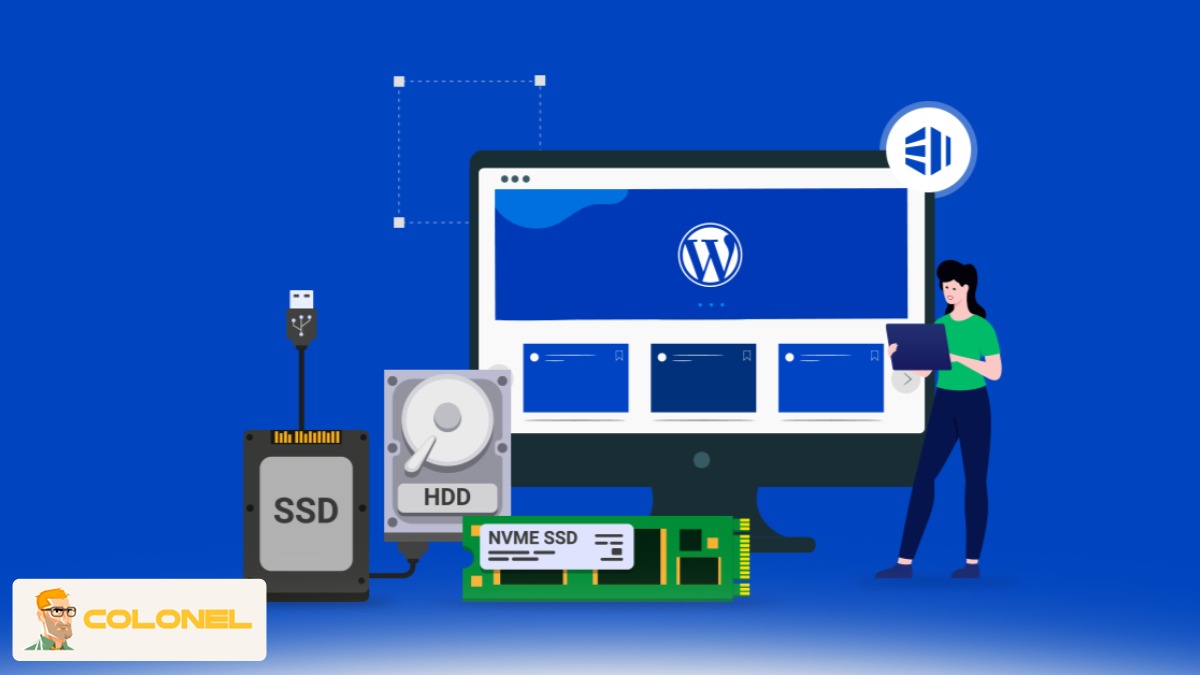
Limitations d'hébergement courantes affectant la vitesse de WordPress
Les environnements d’hébergement traditionnels manquent souvent des ressources et de la vitesse de stockage requises pour les sites WordPress modernes. E/S disque limitées, latence plus élevée, et les ressources de serveur partagées créent des goulots d'étranglement en termes de performances qui ralentissent le chargement des pages, requêtes de base de données, et la réactivité globale du site.

Hébergement Web WordPress
À partir de 3,99 $/mois
- Opérations d'entrée/sortie de disque limitées
- Latence élevée entre le CPU et le stockage
- Conflit de ressources dans les environnements d'hébergement partagé
Quand le stockage ne peut pas suivre les requêtes WordPress, les retards s'accumulent, provoquant un rendu de page lent, décalage du panneau d'administration, et une mauvaise expérience utilisateur. C'est pourquoi de nombreux propriétaires de sites finissent par regarder au-delà des modèles d'hébergement traditionnels..
Qu'est-ce que l'hébergement NVMe et comment il fonctionne
L'hébergement NVMe est basé sur la technologie Non-Volatile Memory Express, un protocole de stockage moderne spécialement conçu pour le transfert de données à haut débit. Contrairement aux anciennes interfaces de stockage, NVMe communique directement avec le CPU via les voies PCIe, éliminer les couches inutiles qui ralentissent l'accès aux données.
Cette architecture permet aux serveurs de traiter efficacement des milliers de requêtes parallèles. Pour WordPress, cela signifie des requêtes de base de données plus rapides, chargement de fichiers plus rapide, et temps de réponse réduit en cas de pics de trafic.

En quoi la technologie NVMe diffère au niveau technique
La technologie NVMe utilise une connexion PCIe directe pour communiquer avec le CPU, suppression des couches de stockage héritées qui ralentissent le transfert de données. Cela se traduit par une latence beaucoup plus faible, débit plus élevé, et la capacité de gérer efficacement de nombreuses requêtes parallèles par rapport aux protocoles de stockage traditionnels.
- Communication directe entre le processeur et le stockage
- Latence de commande considérablement réduite
- Prise en charge de files d'attente parallèles massives
Avec l'hébergement NVMe, WordPress n'attend plus que les opérations de stockage se terminent une à une. Plutôt, les tâches sont traitées simultanément, améliorant la cohérence et la stabilité même pendant les périodes d'utilisation maximale.

Serveur VPS pas cher
À partir de 2,99 $/mois
NVMe contre SSD: Différences de vitesse réelles pour WordPress
Bien que les SSD constituaient autrefois une amélioration majeure par rapport aux disques durs, ils sont désormais limités par des protocoles de communication plus anciens comme SATA. NVMe supprime entièrement ces goulots d'étranglement.
| Fonctionnalité | Hébergement SSD | Hébergement NVMe |
|---|---|---|
| Interface | SATA | PCIe |
| Latence | Modéré | Extrêmement faible |
| Demandes parallèles | Limité | Massif |
| Vitesse de la base de données WordPress | Moyenne | Haut |
La différence dans le monde réel devient évidente dans les environnements WordPress dotés de nombreux plugins, appels fréquents à la base de données, and dynamic content. L'hébergement NVMe offre des performances backend plus rapides et un chargement frontal sensiblement plus fluide.
Impact sur les performances sur les tâches WordPress réelles
Un stockage plus rapide améliore directement les opérations WordPress quotidiennes telles que le chargement du tableau de bord d'administration, exécuter des requêtes de base de données, et traitement du contenu dynamique. Avec une latence réduite, les tâches semblent plus réactives et restent stables même en cas de trafic plus élevé ou de charges de travail lourdes avec des plugins.
- Réponse plus rapide du tableau de bord d'administration
- Chargement plus rapide des produits WooCommerce
- Délai réduit lors de la recherche et du filtrage

Comment l'hébergement NVMe améliore le temps de chargement de WordPress
Le temps de chargement de la page est influencé par la rapidité avec laquelle le serveur peut récupérer et fournir des données. La vitesse de stockage affecte directement le délai jusqu'au premier octet (TTFB), qui est une mesure de performance clé pour les sites WordPress.
En minimisant la latence et en accélérant l'accès aux fichiers, L'hébergement NVMe réduit considérablement le temps de réponse du serveur. Cela conduit à une génération HTML plus rapide et à une livraison plus rapide des ressources.

Hébergement VPS Windows
Remote Access & Full Admin
Domaines de performance clés améliorés
La vitesse de stockage améliorée améliore les processus backend critiques dans WordPress, y compris les requêtes de base de données, Exécution PHP, et accès aux fichiers. Ces améliorations réduisent le temps de réponse du serveur et aident les pages à se charger plus rapidement et de manière plus cohérente pour les utilisateurs..
- Exécution de requêtes de base de données
- Traitement des scripts PHP
- Vitesse de régénération du cache
Les systèmes de mise en cache WordPress en bénéficient également car les fichiers mis en cache sont lus presque instantanément. Par conséquent, les pages se chargent plus rapidement, même pour les visiteurs non mis en cache, amélioration de la fiabilité globale.
L'impact de l'hébergement NVMe sur le référencement et les Core Web Vitals
Les moteurs de recherche donnent la priorité aux sites Web offrant des expériences utilisateur rapides et stables.. Les métriques Core Web Vitals de Google mesurent directement la vitesse de chargement, réactivité, et stabilité visuelle.
L'hébergement NVMe contribue à améliorer ces mesures en réduisant les retards du backend qui affectent la plus grande peinture de contenu (PCL) et premier délai d'entrée (FID). Des réponses plus rapides du serveur permettent aux navigateurs d'afficher les pages plus efficacement.
| Le noyau du Web est essentiel | Effet d'un stockage plus rapide |
|---|---|
| PCL | Rendu de contenu plus rapide |
| FID | Délai d'interaction réduit |
| INP | Actions utilisateur plus fluides |
Beyond rankings, une vitesse améliorée réduit les taux de rebond et augmente l'engagement, facteurs critiques pour le succès du référencement.
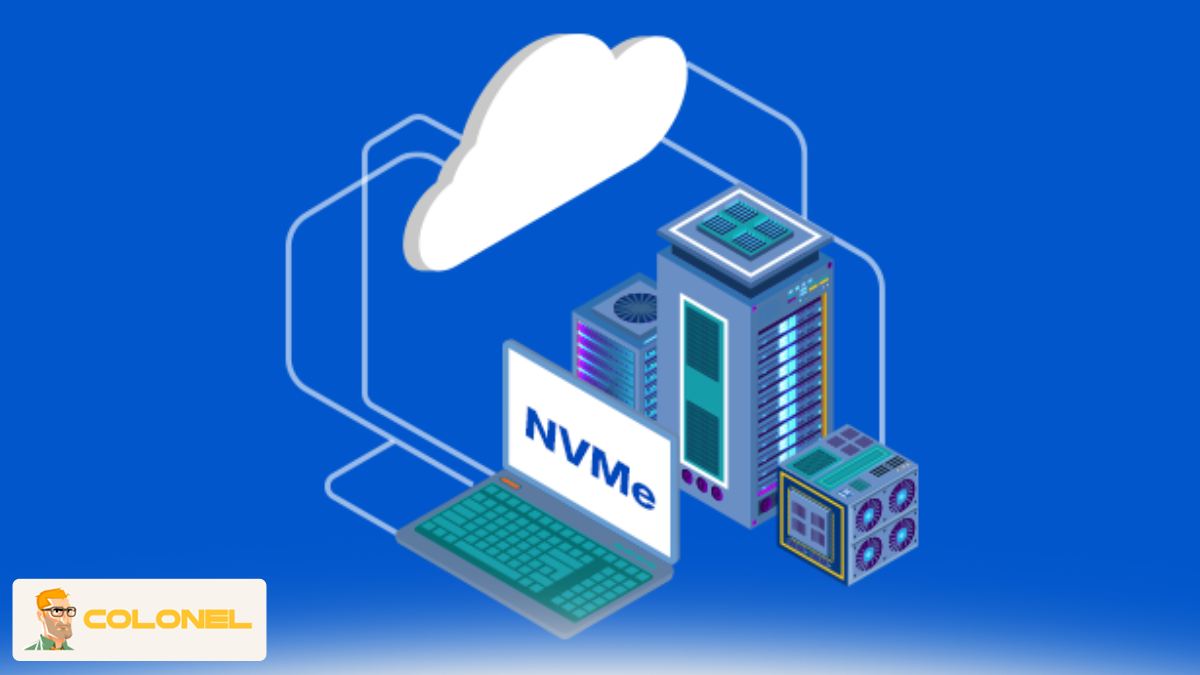
Quand devriez-vous passer à l’hébergement WordPress NVMe?
Tous les sites n'ont pas besoin d'une mise à niveau immédiate, mais certains signes indiquent qu'il est temps de bouger. Si les efforts d’optimisation ne produisent plus de résultats visibles, les limitations de stockage sont souvent le problème caché.
Signes que votre site est devenu trop grand pour l'hébergement traditionnel
Si votre site WordPress connaît des chargements de pages lents, panneaux d'administration lents, ou les performances chutent lors des pics de trafic malgré l'optimisation, ce sont des signes clairs que l’hébergement traditionnel ne peut plus répondre efficacement à ses demandes.
- TTFB élevé malgré la mise en cache
- Tableau de bord d'administration lent
- Les performances chutent lors des pics de trafic
Le passage à l'hébergement NVMe est particulièrement avantageux pour les blogs riches en contenu, sites Web d'entreprise, et les magasins WooCommerce qui s'appuient sur des opérations de base de données rapides.
L'hébergement NVMe vaut-il le coût pour les sites WordPress?
Le coût est une préoccupation commune, mais les améliorations de performances justifient souvent l'investissement. Les sites Web plus rapides convertissent mieux, rang plus élevé, et nécessitent moins de solutions de contournement pour maintenir une vitesse acceptable.
Bien que l'hébergement NVMe puisse coûter plus cher que les forfaits d'entrée de gamme, cela réduit le besoin de mise en cache agressive, plugins excessifs, et dépannage constant des performances.
Considérations de valeur à long terme
Investir dans un hébergement plus rapide comme NVMe offre des avantages à long terme, y compris un meilleur classement SEO, engagement plus élevé des utilisateurs, et moins de problèmes liés au serveur, ce qui en fait un choix rentable pour les sites WordPress en croissance.
- Meilleures performances SEO
- Meilleure rétention des utilisateurs
- Problèmes liés au serveur réduits
Pour les sites WordPress en croissance, le retour sur investissement est généralement clair dans un court laps de temps.
Comment choisir le meilleur hébergement NVMe pour WordPress
Choisir le bon fournisseur est tout aussi important que choisir la technologie elle-même. Tous les plans commercialisés aussi rapidement ne fournissent pas des résultats cohérents.
Avant de sélectionner l'hébergement NVMe, évaluer les ressources du serveur, garanties de disponibilité, et optimisations spécifiques à WordPress.
Étape 1: Vérifiez la véritable implémentation de NVMe
Assurez-vous que le fournisseur utilise NVMe sur toutes les couches de stockage, pas seulement des configurations partielles.
Étape 2: Évaluer l'allocation du processeur et de la RAM
La vitesse de stockage fonctionne mieux lorsqu'elle est associée à une puissance de traitement suffisante.
Étape 3: Recherchez des environnements optimisés pour WordPress
Les configurations gérées améliorent la compatibilité et la stabilité avec l'hébergement NVMe.
Étape 4: Examiner les options d’évolutivité
La croissance du trafic ne devrait pas nécessiter une migration complète ultérieurement.
Étape 5: Vérifier la qualité du support
L’assistance d’experts est importante lorsqu’un réglage des performances est requis.
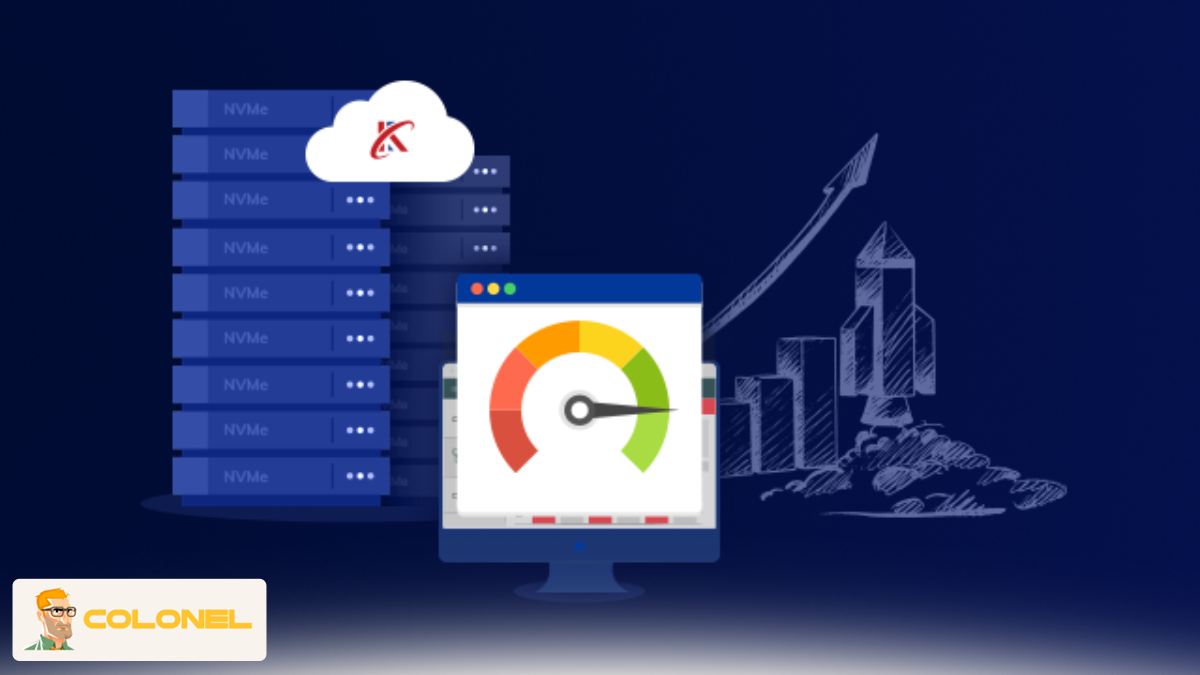
Résumé final
Les performances lentes de WordPress sont souvent dues à une infrastructure d’hébergement obsolète plutôt qu’à des problèmes de conception ou de contenu.. Les systèmes de stockage traditionnels ont du mal à gérer efficacement les charges de travail WordPress modernes.
En tirant parti de l'hébergement NVMe, les sites Web bénéficient d'un accès plus rapide aux données, lower latency, et une stabilité améliorée. Cela se traduit par des temps de chargement plus rapides, de meilleures mesures de référencement, et une expérience utilisateur plus fluide.
Pour les propriétaires de sites axés sur la croissance, conversions, and long-term reliability, L'hébergement NVMe n'est pas seulement une mise à niveau technique : c'est un avantage stratégique. Choisir le bon fournisseur garantit que votre site WordPress peut pleinement bénéficier de l'hébergement NVMe sans complexité inutile.