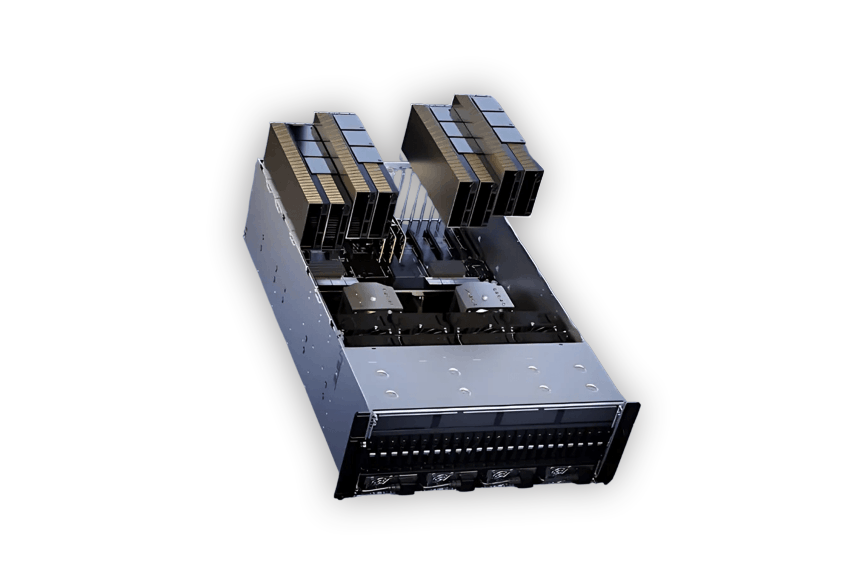
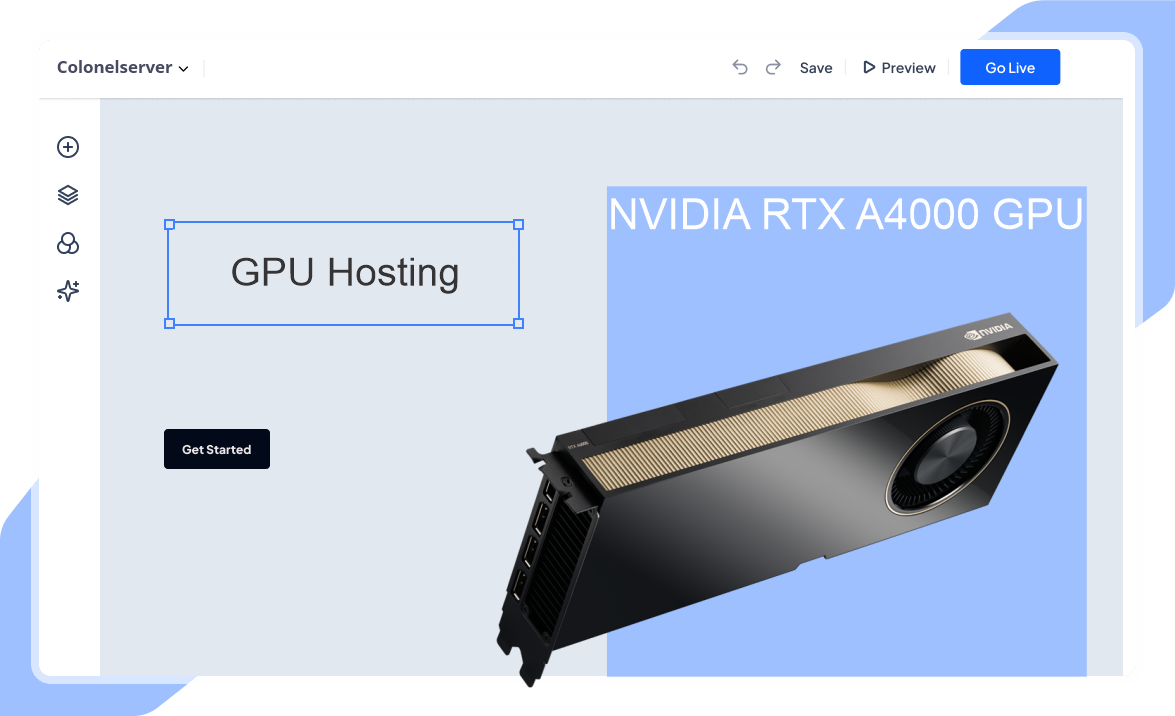
Deploy high-performance NVIDIA RTX A4000 GPUs
Run efficient NVIDIA RTX A4000 GPU servers designed for AI development, machine learning workloads, rendering tasks, and high-performance computing with scalable cloud or dedicated GPU infrastructure.
- Optimized for AI & LLM workloads
- High-performance GPU infrastructure
- Scalable cloud deployment
- Enterprise-grade compute performance
Starting at
$0.95 per GPU / hour

Our Customer Happiness

Colonel is rated on Google Review

Colonel is rated on Capterra
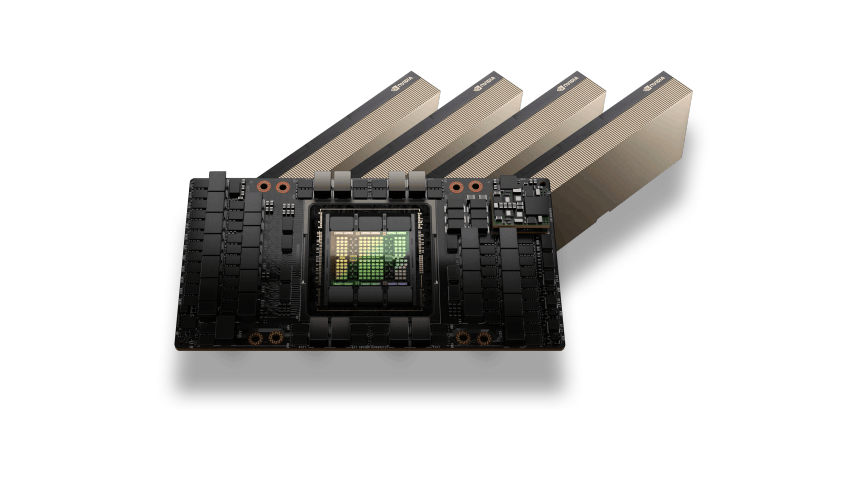
NVIDIA RTX A4000 GPU Architecture
The NVIDIA RTX A4000 GPU is based on the Ampere architecture and delivers efficient GPU acceleration for AI development, professional visualization, and GPU computing workloads. With modern Tensor Cores and high-performance memory, RTX A4000 GPUs are well suited for machine learning environments, rendering pipelines, and data processing workloads.
Its architecture provides balanced compute performance and energy efficiency, making it an ideal GPU for scalable cloud infrastructure and GPU-powered applications.
AI and Rendering Performance
NVIDIA RTX A4000 GPUs provide reliable acceleration for AI workloads, data science pipelines, and professional rendering environments. With optimized compute performance and modern GPU architecture, the RTX A4000 can efficiently process machine learning models, graphics workloads, and complex datasets.
From AI development and analytics to rendering and visualization workloads, RTX A4000 GPUs deliver consistent performance for modern GPU computing environments.
NVIDIA A4000 GPUs Use Cases
Machine Learning Development
Develop and test machine learning models using GPU acceleration.
LLM Inference
Run inference pipelines for AI applications and prediction models
GPU Rendering
Accelerate 3D rendering, animation, and design visualization tasks.
Virtual Workstations
Deploy GPU-powered remote workstations for design, engineering, and development.
Data Science Workloads
Process datasets and run data analytics pipelines efficiently.
Flexible RTX A4000 GPU Pricing
RTX A4000 GPU
Flexible on-demand GPU compute for AI training, inference workloads, and high-performance applications.$0.95 per GPU / hour
Best PriceTop Featured
NVIDIA RTX A4000 GPU acceleration
16GB GDDR6 GPU memory
Hourly pay-as-you-go GPU billing
High-performance NVMe storage
Fast 10–100Gbps networking
Ideal for AI development and rendering workloads
Scalable GPU cloud infrastructure
Deploy GPU instances within minutes
Optimized for machine learning pipelines
Enterprise GPU Infrastructure
Need large-scale GPU capacity for AI training clusters or enterprise workloads?$ Custom Pricing
For multi-GPU deployments and dedicated clustersTop Featured
Multi-GPU clusters
Dedicated GPU servers
Custom CPU, RAM, and storage configurations
High-speed GPU networking infrastructure
Designed for AI training and HPC workloads
Enterprise-grade performance and reliability
Scalable AI compute environments
Priority technical support
Enterprise Features of NVIDIA RTX A4000 GPU Servers
Ampere GPU Architecture
Built on NVIDIA Ampere architecture optimized for AI and visualization workloads.
Efficient GPU Performance
Balanced GPU performance designed for machine learning and GPU computing environments.
Optimized for AI and Visualization
Suitable for AI development, rendering pipelines, and data science workflows.
High-Speed GPU Infrastructure
GPU servers run on high-performance infrastructure with NVMe storage and fast networking.
Scalable GPU Deployment
Scale your compute environment from single GPU instances to larger GPU clusters.
Flexible Cloud or Dedicated Deployment
Deploy RTX A4000 GPUs as cloud GPU instances or dedicated GPU servers depending on your infrastructure needs.
Need Help Choosing the Right GPU Infrastructure?
GPU Server Frequently Asked Questions
Find answers to common questions about NVIDIA RTX A4000 GPU servers, deployment options, pricing, and AI workload capabilities.

Live Chat
24/7/365 Through the Chat Widget important if you run.
NVIDIA RTX A4000 GPU hosting provides reliable GPU compute resources designed for machine learning development, rendering workloads, and GPU-accelerated applications. Built on the NVIDIA Ampere architecture, the RTX A4000 delivers efficient performance for professional compute and visualization workloads.
The NVIDIA RTX A4000 GPU is commonly used for machine learning experiments, AI inference, 3D rendering, simulation workloads, and GPU-accelerated design applications. It is often deployed in professional environments that require stable and efficient GPU performance.
The NVIDIA RTX A4000 includes 16GB of GDDR6 memory, allowing it to handle machine learning models, rendering workloads, and other GPU-accelerated applications that require dedicated GPU memory.
Yes. The RTX A4000 GPU is well suited for machine learning development, AI inference tasks, and GPU-accelerated computing workloads. It provides strong performance for developers working with small to medium-sized AI models.
Yes. NVIDIA RTX A4000 GPU servers support popular AI frameworks including PyTorch, TensorFlow, CUDA applications, and other GPU-accelerated development tools used for machine learning and AI development.
Colonelserver provides stable GPU hosting infrastructure with reliable networking and scalable compute resources. RTX A4000 GPU servers are suitable for developers, data scientists, and businesses running GPU-accelerated applications and AI workloads.
Match GPU memory to your model or rendering workload, then allow enough system RAM, CPU, and storage for data preparation and application processes. Test representative workloads before scaling.
GPU-accelerated rendering is possible with compatible software. Confirm support for your GPU model, driver version, operating system, and application licence before deployment.
Yes. Keep independent copies of datasets, code, configuration, and model checkpoints. GPU compute resources do not replace a backup and recovery plan.
Confirm GPU availability, driver and framework compatibility, storage capacity, network terms, and billing conditions. Choose a configuration that fits your workload and test it before production use.