Site Web gratuit & Serveur Migration

Comment héberger plusieurs sites WordPress sur un seul serveur
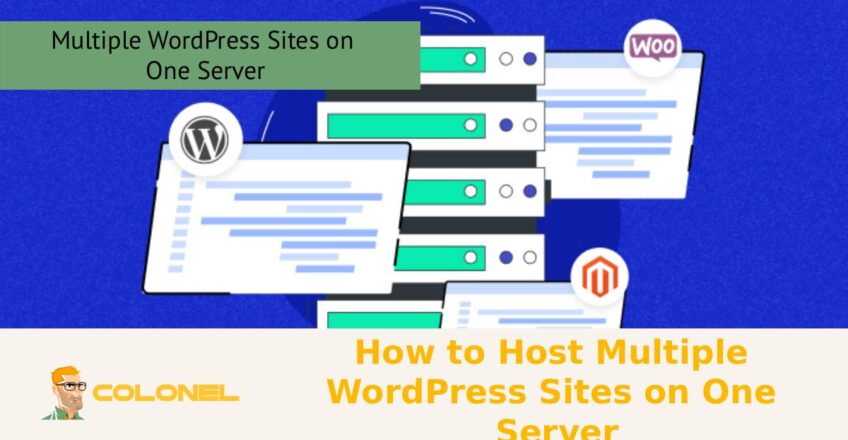
La gestion efficace de plusieurs sites Web est un défi courant pour les développeurs, agences, et les propriétaires d'entreprises, surtout lorsque les ressources et les performances doivent être optimisées. Apprendre à héberger plusieurs sites WordPress sur un seul serveur constitue une solution pratique en vous permettant de centraliser la gestion., réduire les coûts, et rationalisez la maintenance sans sacrifier la vitesse ou la sécurité. Que vous’vous dirigez plusieurs projets clients ou gérez un réseau de vos propres sites Web, comprendre les bonnes configurations de serveur, outils, et les meilleures pratiques peuvent vous aider à évoluer efficacement tout en conservant un contrôle total sur chaque installation WordPress..
Liste du contenu que vous lirez dans cet article:
BasculerAvantages de l'hébergement de plusieurs sites sur un seul serveur
Héberger plusieurs sites Web WordPress sur un seul serveur est une décision stratégique qui peut améliorer considérablement l'efficacité., réduire les coûts opérationnels, et simplifier la gestion. Au lieu de maintenir des plans d'hébergement distincts pour chaque site Web, les consolider sur un seul serveur vous permet de maximiser l'utilisation des ressources telles que le processeur, BÉLIER, et stockage. Ceci est particulièrement avantageux pour les agences, pigistes, et les entreprises gérant plusieurs sites Web de clients ou de marques.
L’un des plus grands avantages est la rentabilité. Plutôt que de payer pour plusieurs comptes d'hébergement, un seul serveur bien configuré peut prendre en charge plusieurs sites Web sans compromettre les performances, à condition qu'il soit correctement optimisé. En plus, la gestion centralisée devient plus facile. Mises à jour, sauvegardes, et les configurations de sécurité peuvent être gérées à partir d'un seul endroit, gain de temps et d'efforts.
Un autre avantage important est l’évolutivité. Une fois que vous avez compris comment héberger plusieurs sites WordPress sur un seul serveur, vous pouvez facilement ajouter de nouveaux sites Web sans configurer d'environnements entièrement nouveaux. Cette flexibilité vous permet de développer votre présence en ligne plus efficacement. En outre, le réglage des performances devient plus cohérent sur tous les sites, garantir une expérience utilisateur uniforme.
Exigences clés avant de commencer
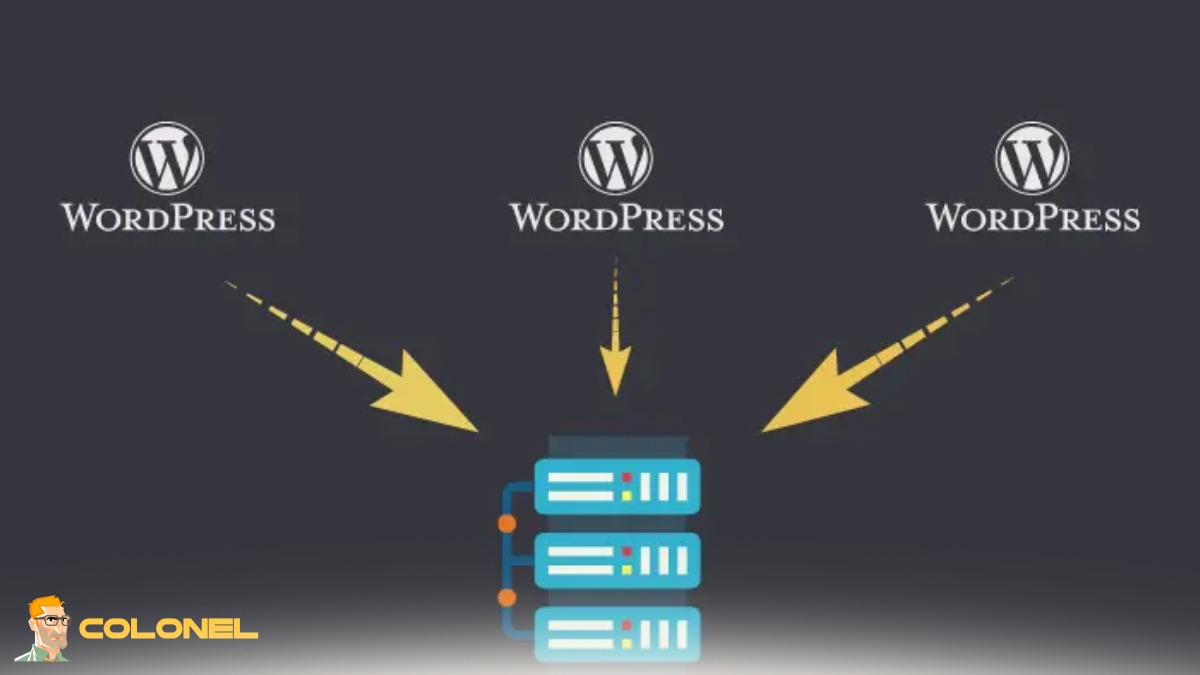
Avant de vous lancer dans l’hébergement de plusieurs sites WordPress, il y a plusieurs exigences essentielles dont vous devez tenir compte. D'abord, votre serveur doit disposer de ressources suffisantes. L'exécution de plusieurs sites Web nécessite une puissance CPU adéquate, BÉLIER, et espace disque. Sous-estimer ces exigences peut entraîner un ralentissement des performances ou des temps d'arrêt..

Serveur VPS pas cher
À partir de 2,99 $/mois
Deuxième, vous avez besoin d'un système d'exploitation et d'une pile de serveurs Web fiables. Les configurations courantes incluent les systèmes basés sur Linux avec Apache ou Nginx, along with PHP and MySQL or MariaDB. La connaissance des outils de gestion de serveur est également importante, surtout si vous envisagez de tout configurer manuellement.
La gestion de domaine est une autre exigence clé. Chaque site Web aura besoin de son propre domaine ou sous-domaine, avec une configuration DNS appropriée. Vous devez également avoir accès à un panneau de contrôle comme cPanel ou être à l'aise avec le travail via SSH pour les configurations manuelles..
La sensibilisation à la sécurité est essentielle. L'hébergement de plusieurs sites augmente la surface d'attaque, donc implémenter des pare-feu, Certificats SSL, et des mises à jour régulières sont essentielles. Comprendre ces exigences jettera les bases pour apprendre avec succès comment héberger plusieurs sites WordPress sur un seul serveur..
Guide étape par étape pour configurer plusieurs sites
Pour configurer plusieurs sites, suivez simplement les étapes ci-dessous:
Étape 1: Préparez votre serveur
Assurez-vous que votre environnement de serveur est entièrement configuré avec un serveur Web, PHP, et système de base de données.
Étape 2: Ajouter des domaines ou des sous-domaines
Configurez les paramètres DNS et liez chaque domaine à votre serveur.

Hébergement VPS Windows
Accès à distance et administrateur complet
Étape 3: Créer des répertoires séparés
Attribuez un répertoire unique pour chaque site Web dans la structure de fichiers de votre serveur.
Étape 4: Configurer des bases de données
Créez des bases de données individuelles pour chaque installation WordPress.
Étape 5: Installer WordPress
Téléchargez des fichiers WordPress et terminez le processus d'installation pour chaque site.
Étape 6: Configurer les hôtes virtuels ou les paramètres du panneau de configuration
Assurez-vous que chaque domaine pointe vers le bon répertoire.
Étape 7: Sécurisez vos sites Web
Installez des certificats SSL et appliquez les meilleures pratiques de sécurité.
Suivre ces étapes vous aidera à maîtriser efficacement comment héberger plusieurs sites WordPress sur un seul serveur..

Choisir le bon environnement de serveur (VPS, Dédié, Nuage)
La sélection du bon environnement de serveur est l'une des décisions les plus importantes de ce processus.. Chaque option, VPS, serveur dédié, ou hébergement cloud, a ses propres avantages et limites.
Un VPS (Serveur privé virtuel) est un choix populaire pour les petits et moyens projets. Il offre un équilibre entre coût et performance, fournir des ressources dédiées dans un environnement partagé. Pour la plupart des utilisateurs explorant Comment héberger plusieurs sites WordPress sur un seul serveur, un VPS est souvent suffisant.
Serveurs dédiés, d'autre part, fournir un contrôle total sur les ressources matérielles. Ils sont idéaux pour les opérations à grande échelle avec des demandes de trafic élevées. Cependant, ils ont un coût plus élevé et nécessitent plus d’expertise technique.
L'hébergement cloud est hautement évolutif et flexible. Plateformes comme AWS, Google Cloud, et DigitalOcean vous permettent d'ajuster les ressources à la demande. Cela les rend parfaits pour les charges de travail dynamiques et les entreprises en croissance.
Finalement, le meilleur choix dépend de votre budget, compétences techniques, et besoins d'évolutivité.
Comprendre la configuration du domaine et du DNS
Une configuration appropriée du domaine et du DNS est essentielle lors de l’hébergement de plusieurs sites Web. Chaque installation WordPress doit être liée à un domaine ou sous-domaine unique. Cela garantit que les utilisateurs sont dirigés vers le bon site Web lorsqu'ils saisissent une URL..
DNS (Système de noms de domaine) agit comme un pont entre votre domaine et votre serveur. Vous devrez configurer des enregistrements A ou CNAME pour pointer chaque domaine vers l'adresse IP de votre serveur.. Des erreurs de configuration ici peuvent entraîner des sites Web inaccessibles.
Il est également important de comprendre le temps de propagation. Les modifications DNS peuvent prendre plusieurs heures pour se refléter globalement. Planifier à l'avance peut aider à éviter les temps d'arrêt lors des migrations ou des mises à jour.
La maîtrise de la configuration DNS est une étape cruciale pour apprendre à héberger plusieurs sites WordPress sur un seul serveur., car il garantit un routage et une accessibilité appropriés pour tous vos sites Web.
Méthodes pour héberger plusieurs sites WordPress
Il existe plusieurs méthodes disponibles pour héberger plusieurs sites Web WordPress sur un seul serveur.. Chaque méthode offre différents niveaux de complexité et de flexibilité.
Les approches les plus courantes incluent l'utilisation d'un panneau de contrôle d'hébergement, configuration manuelle des hôtes virtuels, ou en tirant parti de WordPress Multisite. La bonne méthode dépend de votre expertise technique et des exigences du projet.
Pour les débutants, les panneaux de contrôle fournissent une interface conviviale. Les utilisateurs avancés peuvent préférer les configurations manuelles pour un meilleur contrôle. Entre-temps, les configurations multisites sont idéales pour gérer plusieurs sites sous une seule installation WordPress.
Comprendre ces méthodes vous aidera à choisir la meilleure approche pour vos besoins.
Utilisation de cPanel ou de panneaux de contrôle d'hébergement
Les panneaux de contrôle comme cPanel simplifient le processus de gestion de plusieurs sites Web. Avec des fonctionnalités comme WordPress, installation en un clic, vous pouvez déployer rapidement de nouveaux sites sans configuration manuelle.
L'ajout d'un nouveau domaine ou sous-domaine est simple, et les bases de données sont automatiquement créées et liées. Gestion des fichiers, configuration de la messagerie, et l'installation SSL sont également gérées via une interface intuitive.
Cette méthode est idéale pour les utilisateurs qui souhaitent éviter les configurations de serveur complexes tout en apprenant comment héberger efficacement plusieurs sites WordPress sur un seul serveur..
Configuration manuelle avec des hôtes virtuels (Apache/Nginx)
Pour plus de contrôle et de personnalisation, la configuration manuelle à l'aide d'hôtes virtuels est une option puissante. Dans Apache, vous définissez des configurations VirtualHost distinctes pour chaque domaine. Dans Nginx, les blocs de serveur ont le même objectif.
Chaque site Web se voit attribuer son propre répertoire, fichier de configuration, et base de données. Cette séparation améliore la sécurité et le contrôle des performances. Cependant, cela nécessite une solide compréhension de l’administration du serveur.
La configuration manuelle est souvent préférée par les développeurs qui souhaitent des environnements optimisés pour chaque projet.
Utiliser le réseau multisite WordPress
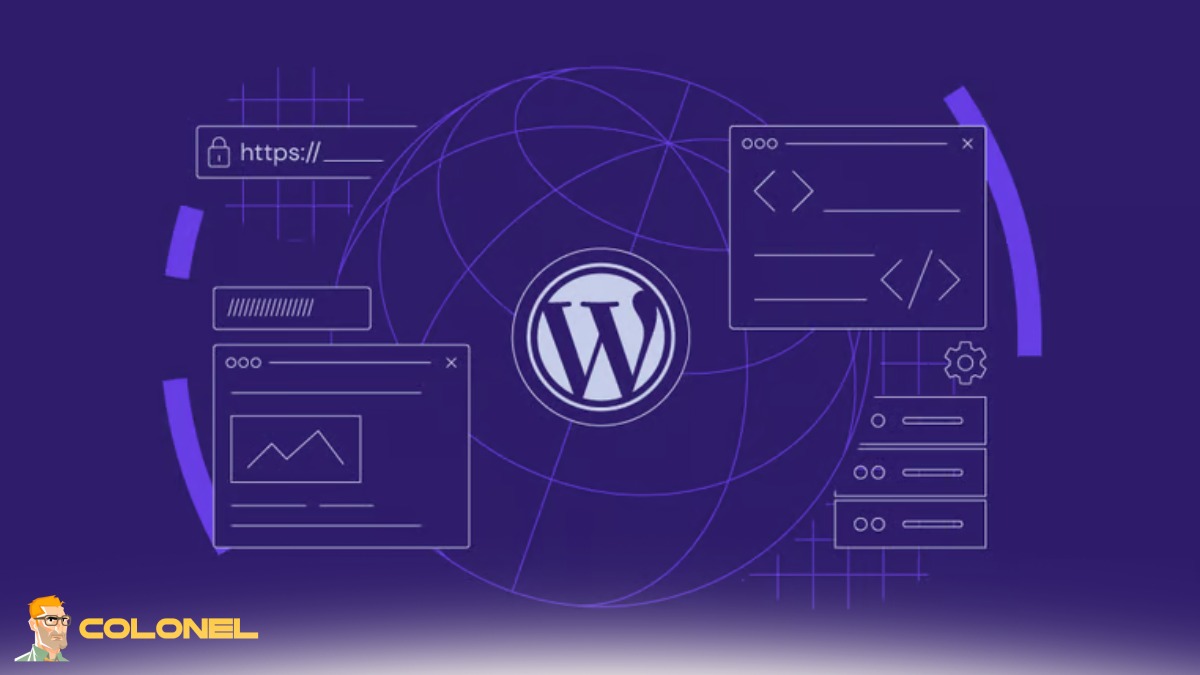
Un réseau multisite vous permet de gérer plusieurs sites Web à partir d'une seule installation WordPress. Cette approche est efficace pour gérer les sites associés, comme les blogs ou les versions régionales d'une marque.
Vous pouvez configurer WordPress Multisite avec différents domaines ou sous-domaines, en fonction de vos besoins. Apprendre à configurer le sous-domaine WordPress Multisite est particulièrement utile pour les projets évolutifs.
Si tu’re tester localement, comprendre comment créer un multisite dans WordPress localhost peut aider avant le déploiement en production. Certains utilisateurs explorent également un plugin WordPress Multisite pour des fonctionnalités étendues.
Gestion de base de données pour plusieurs installations WordPress
La gestion efficace des bases de données est cruciale lors de l’exécution de plusieurs sites WordPress. Chaque site devrait idéalement disposer de sa propre base de données pour éviter les conflits et améliorer la sécurité.
Utiliser des outils comme phpMyAdmin ou des interfaces de ligne de commande, tu peux créer, gérer, et optimiser les bases de données. Entretien régulier, comme le nettoyage des données inutilisées et l'optimisation des tables, assure des performances fluides.
Gestion de la structure des fichiers et des répertoires
Organiser correctement la structure de vos fichiers est essentiel. Chaque site Web doit résider dans son propre répertoire, clairement étiqueté pour éviter toute confusion.
Une structure propre améliore la maintenabilité et réduit le risque de changements accidentels affectant plusieurs sites. Il simplifie également les sauvegardes et les migrations.
Techniques d'optimisation des performances
Les performances sont essentielles lors de l’hébergement de plusieurs sites Web. Techniques telles que la mise en cache, Intégration CDN, et l'optimisation de la base de données peut améliorer considérablement la vitesse.
Les outils de mise en cache au niveau du serveur comme Redis ou Varnish peuvent réduire les temps de chargement. L'optimisation des images et le chargement paresseux contribuent également à de meilleures performances.
Meilleures pratiques de sécurité pour plusieurs sites
La sécurité devient plus complexe lorsque plusieurs sites Web sont hébergés sur un seul serveur. Implémentation de pare-feu, mises à jour régulières, et l'analyse des logiciels malveillants est essentielle.
Utiliser des mots de passe forts, limiter les tentatives de connexion, et isoler les autorisations des utilisateurs peut encore améliorer la sécurité.
Stratégies de sauvegarde et de restauration
Des sauvegardes régulières sont essentielles à la protection des données. Vous devez mettre en œuvre des systèmes de sauvegarde automatisés qui stockent les données à la fois localement et à distance.
Avant de comparer les stratégies, voici un aperçu rapide des approches de sauvegarde courantes:
| Type de sauvegarde | Fréquence | Emplacement de stockage | Meilleur cas d'utilisation |
|---|---|---|---|
| Sauvegarde complète | Hebdomadaire | Serveur distant | Récupération complète |
| Incrémentiel | Tous les jours | Stockage en nuage | Mises à jour efficaces |
| Sauvegarde manuelle | Sur demande | Stockage local | Corrections rapides |
Choisir la bonne stratégie garantit une récupération rapide en cas d’échec.
Une évolution intelligente: Construire un système WordPress multi-sites évolutif
La gestion réussie de plusieurs sites Web WordPress sur un seul serveur nécessite une planification minutieuse, compréhension technique, et une optimisation continue. En maîtrisant Comment héberger plusieurs sites WordPress sur un seul serveur, vous pouvez réduire les coûts, rationaliser les flux de travail, et faites évoluer efficacement votre présence numérique.
Que vous choisissiez des panneaux de contrôle, configurations manuelles, ou réseaux multisites, la clé réside dans le choix de la bonne approche pour vos besoins. À mesure que la technologie évolue, rester à jour avec les meilleures pratiques, comme Comment héberger plusieurs sites WordPress sur un seul serveur 2026 tendances ou même des configurations spécifiques à la plate-forme comme Comment héberger plusieurs sites WordPress sur un serveur Mac, garantira que votre infrastructure reste compétitive et fiable.
