
How to Host Multiple WordPress Sites on One Server
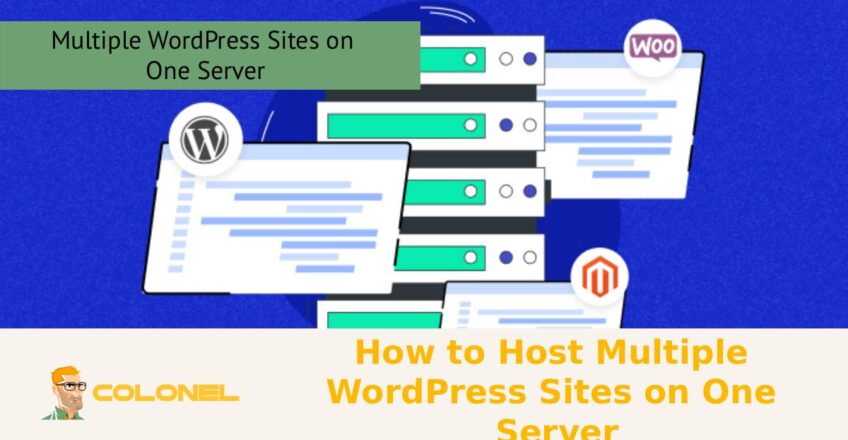
Managing multiple websites efficiently is a common challenge for developers, agencies, and business owners, especially when resources and performance need to be optimized. Learning how to host multiple WordPress sites on one server provides a practical solution by allowing you to centralize management, reduce costs, and streamline maintenance without sacrificing speed or security. Whether you’re running several client projects or managing a network of your own websites, understanding the right server configurations, tools, and best practices can help you scale effectively while maintaining full control over each WordPress installation.
List of content you will read in this article:
ToggleBenefits of Hosting Multiple Sites on a Single Server
Hosting multiple WordPress websites on a single server is a strategic decision that can significantly improve efficiency, reduce operational costs, and simplify management. Instead of maintaining separate hosting plans for each website, consolidating them onto one server allows you to maximize resource usage such as CPU, RAM, and storage. This is especially beneficial for agencies, freelancers, and businesses managing multiple client or brand websites.
One of the biggest advantages is cost-effectiveness. Rather than paying for multiple hosting accounts, a single well-configured server can support several websites without compromising performance, provided it is properly optimized. Additionally, centralized management becomes easier. Updates, backups, and security configurations can be handled from one place, saving time and effort.
Another important benefit is scalability. Once you understand How to Host Multiple WordPress Sites on One Server, you can easily add new websites without setting up entirely new environments. This flexibility allows you to grow your online presence more efficiently. Furthermore, performance tuning becomes more consistent across all sites, ensuring a uniform user experience.
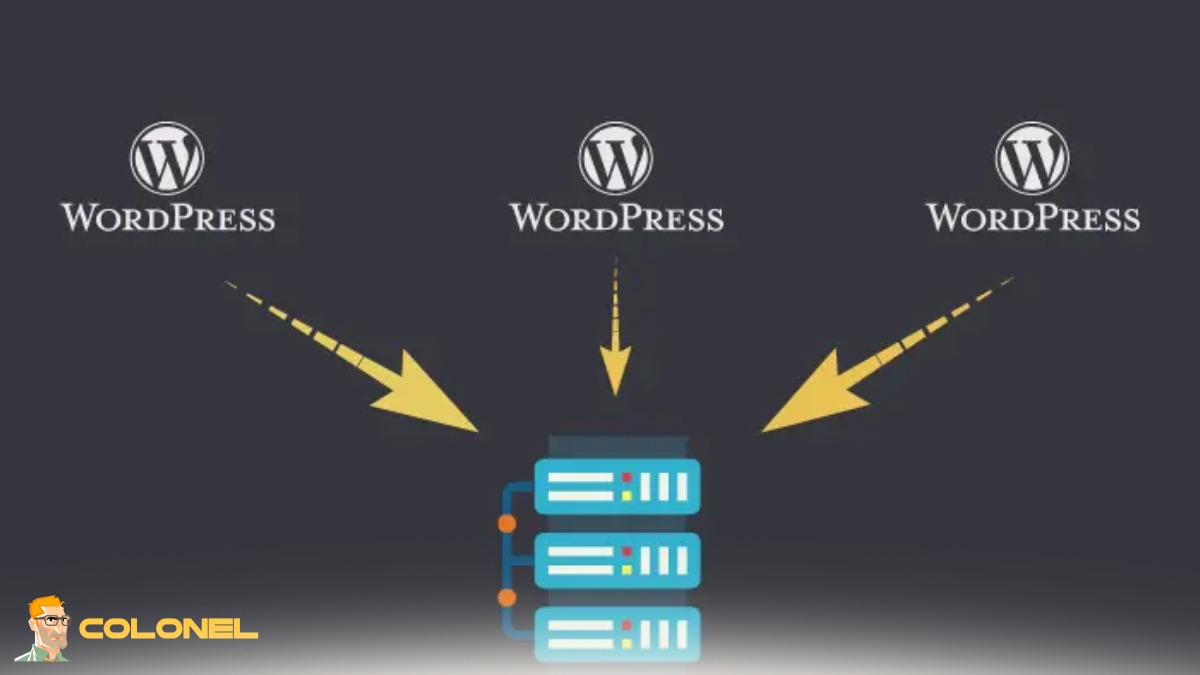
Key Requirements Before You Get Started
Before diving into hosting multiple WordPress websites, there are several essential requirements you need to consider. First, your server must have sufficient resources. Running multiple websites requires adequate CPU power, RAM, and disk space. Underestimating these requirements can lead to slow performance or downtime.

Cheap VPS Server
Starting From $2.99/Monthly
Second, you need a reliable operating system and web server stack. Common configurations include Linux-based systems with Apache or Nginx, along with PHP and MySQL or MariaDB. Familiarity with server management tools is also important, especially if you plan to configure everything manually.
Domain management is another key requirement. Each website will need its own domain or subdomain, along with proper DNS configuration. You should also have access to a control panel like cPanel or be comfortable working via SSH for manual setups.
Security awareness is critical. Hosting multiple sites increases the attack surface, so implementing firewalls, SSL certificates, and regular updates is essential. Understanding these requirements will lay the foundation for successfully learning How to Host Multiple WordPress Sites on One Server.
Step-by-Step Guide to Setting Up Multiple Sites
To set up multiple sites, simply follow the steps below:
Step 1: Prepare Your Server
Ensure your server environment is fully configured with a web server, PHP, and database system.
Step 2: Add Domains or Subdomains
Configure DNS settings and link each domain to your server.

Windows VPS Hosting
Remote Access & Full Admin
Step 3: Create Separate Directories
Assign a unique directory for each website within your server’s file structure.
Step 4: Set Up Databases
Create individual databases for each WordPress installation.
Step 5: Install WordPress
Upload WordPress files and complete the installation process for each site.
Step 6: Configure Virtual Hosts or Control Panel Settings
Ensure each domain points to the correct directory.
Step 7: Secure Your Websites
Install SSL certificates and apply security best practices.
Following these steps will help you master How to Host Multiple WordPress Sites on One Server effectively.
Choosing the Right Server Environment (VPS, Dedicated, Cloud)
Selecting the right server environment is one of the most important decisions in this process. Each option, VPS, dedicated server, or cloud hosting, comes with its own advantages and limitations.
A VPS (Virtual Private Server) is a popular choice for small to medium projects. It offers a balance between cost and performance, providing dedicated resources within a shared environment. For most users exploring How to Host Multiple WordPress Sites on One Server, a VPS is often sufficient.
Dedicated servers, on the other hand, provide full control over hardware resources. They are ideal for large-scale operations with high traffic demands. However, they come at a higher cost and require more technical expertise.
Cloud hosting is highly scalable and flexible. Platforms like AWS, Google Cloud, and DigitalOcean allow you to adjust resources on demand. This makes them perfect for dynamic workloads and growing businesses.
Ultimately, the best choice depends on your budget, technical skills, and scalability needs.
Understanding Domain and DNS Configuration
Proper domain and DNS configuration is essential when hosting multiple websites. Each WordPress installation must be linked to a unique domain or subdomain. This ensures that users are directed to the correct website when they enter a URL.
DNS (Domain Name System) acts as the bridge between your domain and server. You will need to configure A records or CNAME records to point each domain to your server’s IP address. Misconfigurations here can result in inaccessible websites.
It’s also important to understand propagation time. DNS changes may take several hours to reflect globally. Planning ahead can help avoid downtime during migrations or updates.
Mastering DNS configuration is a crucial step in learning How to Host Multiple WordPress Sites on One Server, as it ensures proper routing and accessibility for all your websites.
Methods to Host Multiple WordPress Sites
There are several methods available for hosting multiple WordPress websites on a single server. Each method offers different levels of complexity and flexibility.
The most common approaches include using a hosting control panel, configuring virtual hosts manually, or leveraging WordPress Multisite. The right method depends on your technical expertise and project requirements.
For beginners, control panels provide a user-friendly interface. Advanced users may prefer manual configurations for greater control. Meanwhile, multisite setups are ideal for managing multiple sites under one WordPress installation.
Understanding these methods will help you choose the best approach for your needs.
Using cPanel or Hosting Control Panels
Control panels like cPanel simplify the process of managing multiple websites. With features like WordPress one click install, you can quickly deploy new sites without manual configuration.
Adding a new domain or subdomain is straightforward, and databases are automatically created and linked. File management, email setup, and SSL installation are also handled through an intuitive interface.
This method is ideal for users who want to avoid complex server configurations while still learning How to Host Multiple WordPress Sites on One Server efficiently.
Manual Setup with Virtual Hosts (Apache/Nginx)
For more control and customization, manual setup using virtual hosts is a powerful option. In Apache, you define separate VirtualHost configurations for each domain. In Nginx, server blocks serve the same purpose.
Each website is assigned its own directory, configuration file, and database. This separation enhances security and performance control. However, it requires a solid understanding of server administration.
Manual configuration is often preferred by developers who want fine-tuned environments for each project.
Using WordPress Multisite Network
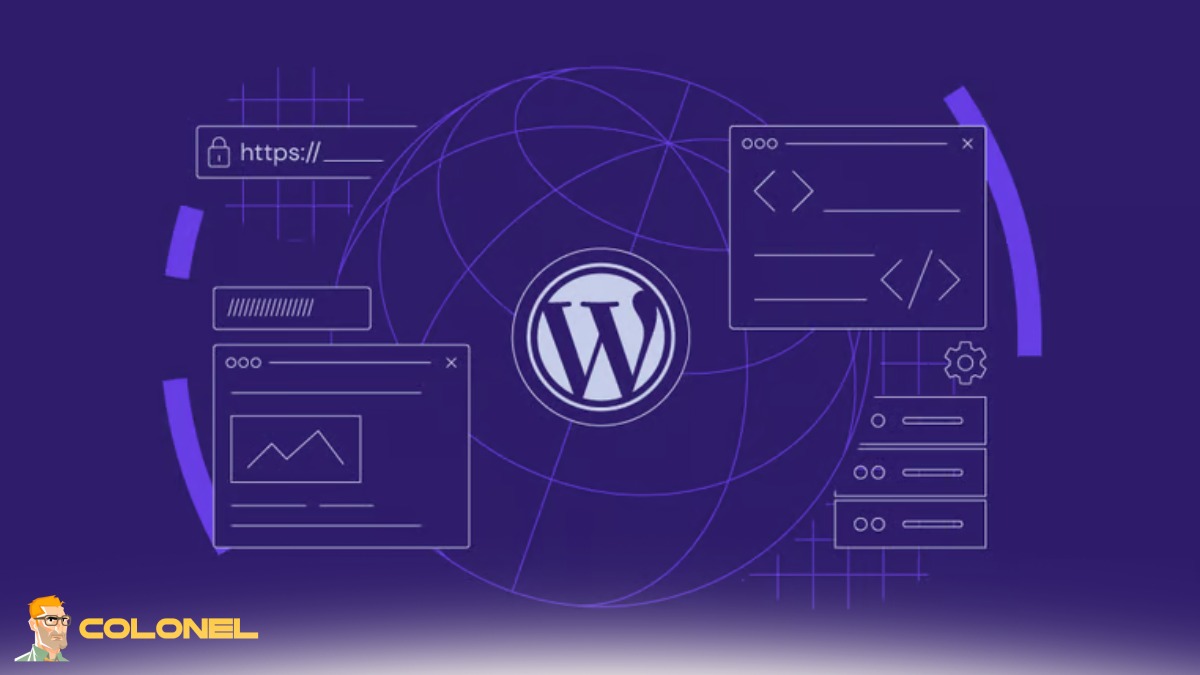
A multisite network allows you to manage multiple websites from a single WordPress installation. This approach is efficient for managing related sites, such as blogs or regional versions of a brand.
You can configure WordPress Multisite with different domains or subdomains, depending on your needs. Learning How to Setup WordPress Multisite subdomain is especially useful for scalable projects.
If you’re testing locally, understanding How to create multisite in WordPress localhost can help before deploying to production. Some users also explore a WordPress Multisite plugin for extended functionality.
Database Management for Multiple WordPress Installations
Managing databases efficiently is crucial when running multiple WordPress sites. Each site should ideally have its own database to prevent conflicts and improve security.
Using tools like phpMyAdmin or command-line interfaces, you can create, manage, and optimize databases. Regular maintenance, such as cleaning unused data and optimizing tables, ensures smooth performance.
Managing File Structure and Directories
Organizing your file structure properly is essential. Each website should reside in its own directory, clearly labeled to avoid confusion.
A clean structure improves maintainability and reduces the risk of accidental changes affecting multiple sites. It also simplifies backups and migrations.
Performance Optimization Techniques
Performance is critical when hosting multiple websites. Techniques such as caching, CDN integration, and database optimization can significantly improve speed.
Server-level caching tools like Redis or Varnish can reduce load times. Image optimization and lazy loading also contribute to better performance.
Security Best Practices for Multiple Sites
Security becomes more complex when multiple websites are hosted on one server. Implementing firewalls, regular updates, and malware scanning is essential.
Using strong passwords, limiting login attempts, and isolating user permissions can further enhance security.
Backup and Restore Strategies
Regular backups are essential for data protection. You should implement automated backup systems that store data both locally and remotely.
Before comparing strategies, here’s a quick overview of common backup approaches:
| Backup Type | Frequency | Storage Location | Best Use Case |
|---|---|---|---|
| Full Backup | Weekly | Remote Server | Complete recovery |
| Incremental | Daily | Cloud Storage | Efficient updates |
| Manual Backup | On-demand | Local Storage | Quick fixes |
Choosing the right strategy ensures quick recovery in case of failure.
Scaling Smart: Building a Future-Proof Multi-Site WordPress System
Successfully managing multiple WordPress websites on a single server requires careful planning, technical understanding, and ongoing optimization. By mastering How to Host Multiple WordPress Sites on One Server, you can reduce costs, streamline workflows, and scale your digital presence efficiently.
Whether you choose control panels, manual configurations, or multisite networks, the key lies in selecting the right approach for your needs. As technology evolves, staying updated with best practices, such as How to host multiple wordpress sites on one server 2026 trends or even platform-specific setups like How to host multiple wordpress sites on one server mac, will ensure your infrastructure remains competitive and reliable.
