

Email authentication has emerged as a very important aspect of securing communication, and businesses can no longer depend on simple spam filters alone. SPF, DKIM, and DMARC are protocols that work in tandem to ensure the authenticity of the sender, prevent domain spoofing, and increase the authenticity of the email in the inbox. When implemented correctly, these protocols not only help prevent phishing and email fraud but also improve deliverability and reputation. In this tutorial, we will learn about Boosting Email Security with SPF, DKIM, and DMARC and why it is necessary for any business that uses email communication.
Why Email Authentication is Important in 2025
Email continues to be the foundation of online communication for businesses, SaaS services, e-commerce sites, and enterprise collaboration. But as cyber threats continue to grow in sophistication, basic spam protection is no longer sufficient to safeguard domains from spoofing, phishing, and identity theft attacks. In 2025, mailbox services like Google and Microsoft are implementing tougher authentication standards, making SPF, DKIM, and DMARC mandatory rather than optional. Without proper authentication, even legitimate emails will be blocked or land directly in the spam folder. Adding these layers of protection is no longer a technical nicety but a basic necessity to Boost Email Security and retain customer, partner, and subscriber trust.
Why Authentication is Important to Boost Email Security
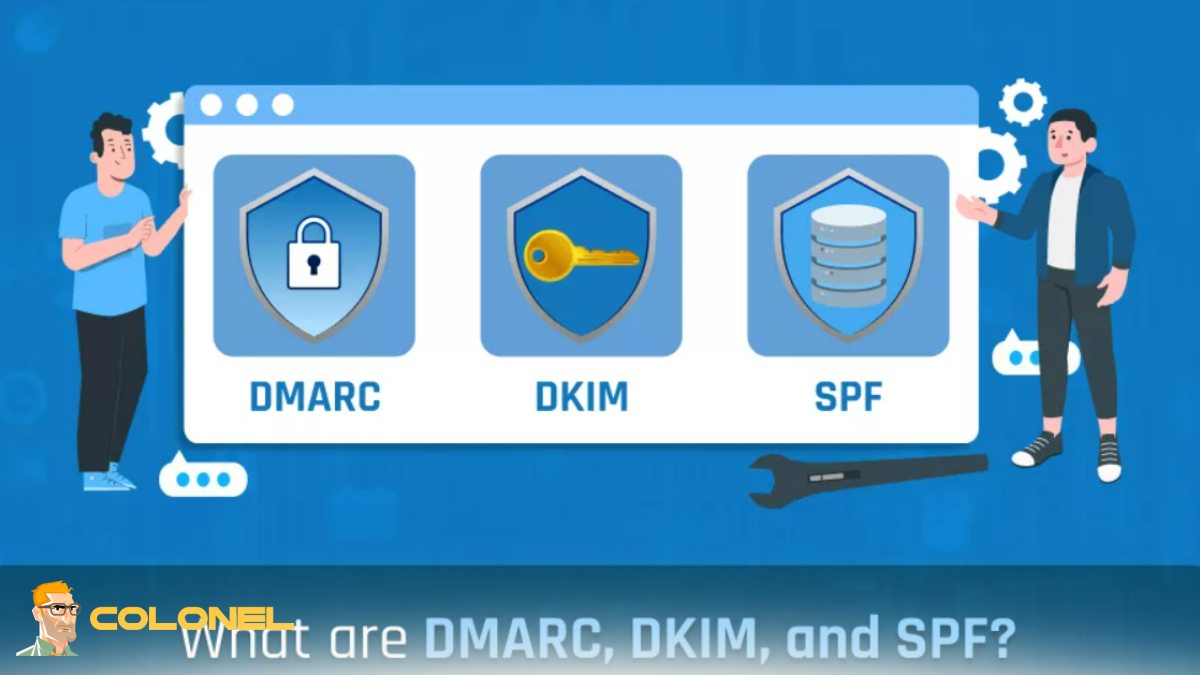
With proper authentication in place, organizations enjoy several key benefits beyond basic security. It greatly reduces the chances of domain misuse and phishing attacks that target your brand identity. It also enhances sender reputation, which is a direct factor in determining inbox delivery and open rates. More importantly, it offers reporting capabilities, giving domain owners insight into who is sending emails on their behalf. These factors combined help organizations Boost Email Security and enhance brand reputation and user trust.
Effect on Email Deliverability and Inbox Placement
The challenge of deliverability is no longer dependent on the quality of the content. Today, mailbox services consider the authentication status as the first trust factor. Messages that are SPF and DKIM compliant and adhere to DMARC specifications have a much higher chance of landing in the primary inbox. Conversely, the absence or incorrect configuration of these records can lead to silent delivery failures, decreased open rates, and missed revenue opportunities. Authentication is like a digital signature that informs the receiving mail servers that your messages are authentic and trustworthy.
Understanding the Essential Protocols
SPF, DKIM, and DMARC are three different technologies that complement each other to provide a means for authenticating identity, ensuring message integrity, and specifying handling instructions. Each of these protocols addresses a distinct issue, but their true power lies in their ability to be used as a single authentication system.

WordPress Web Hosting
Starting From $3.99/Monthly
What Is SPF and How It Works
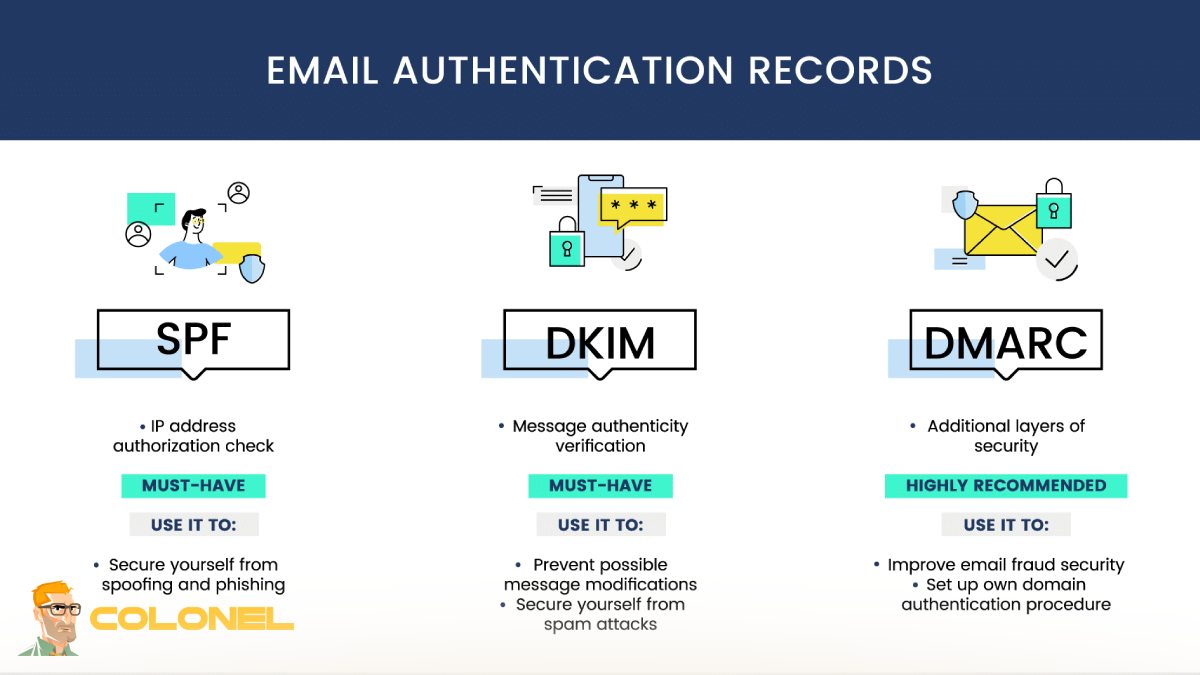
Sender Policy Framework (SPF) enables domain owners to identify the mail servers that are authorized to send emails on their behalf. When a mail server receives an email, it looks up the SPF record in the DNS to verify if the sending IP is authorized. If it is not, the email can be labeled as spam or blocked. This ensures that unauthorized sources do not send emails on behalf of your domain.
SPF Record Syntax Explained
The SPF record is a TXT record in the DNS that identifies authorized senders through mechanisms like ip4, include, and all. The syntax of the SPF record should not go beyond the lookup limits and should be in a defined format. If the SPF record is not optimized, it may fail to authenticate due to DNS query limits.
Understanding DKIM for Message Integrity
DomainKeys Identified Mail (DKIM) signs each outgoing email with a cryptographic signature. The signature is created using a private key and verified by the receiving server using a public key in the DNS. DKIM verifies that the email body has not been tampered with during transmission and that it is sent by an authorized domain.
DKIM Selectors and Key Rotation
Selectors allow multiple DKIM keys to exist under the same domain, making it easier to manage different services and rotate keys periodically. Key rotation is a critical security practice because it limits the risk of compromised credentials and maintains long-term trust with mailbox providers.

Cheap VPS Server
Starting From $2.99/Monthly
What DMARC Adds to Email Protection
DMARC builds on SPF and DKIM by introducing policy enforcement and reporting. It tells receiving servers what to do when authentication fails and provides detailed feedback to domain owners.
According to DMARC.org:
“DMARC allows a domain owner to publish a policy in DNS that defines how receiving email servers should handle unauthenticated mail.”
This policy-driven approach enables organizations to move from monitoring to full enforcement.
DMARC Alignment: SPF vs DKIM
Alignment ensures that the domain used in authentication matches the domain visible to the recipient. This prevents attackers from passing authentication using look-alike domains and strengthens brand protection.
p=none, quarantine, reject Explained
The DMARC policy defines how failures are handled. The monitoring mode collects reports without affecting delivery, quarantine moves suspicious messages to spam, and reject blocks them entirely. Organizations typically move through these stages gradually as they gain visibility into their email ecosystem.

Windows VPS Hosting
Remote Access & Full Admin
How SPF, DKIM, and DMARC Work Together
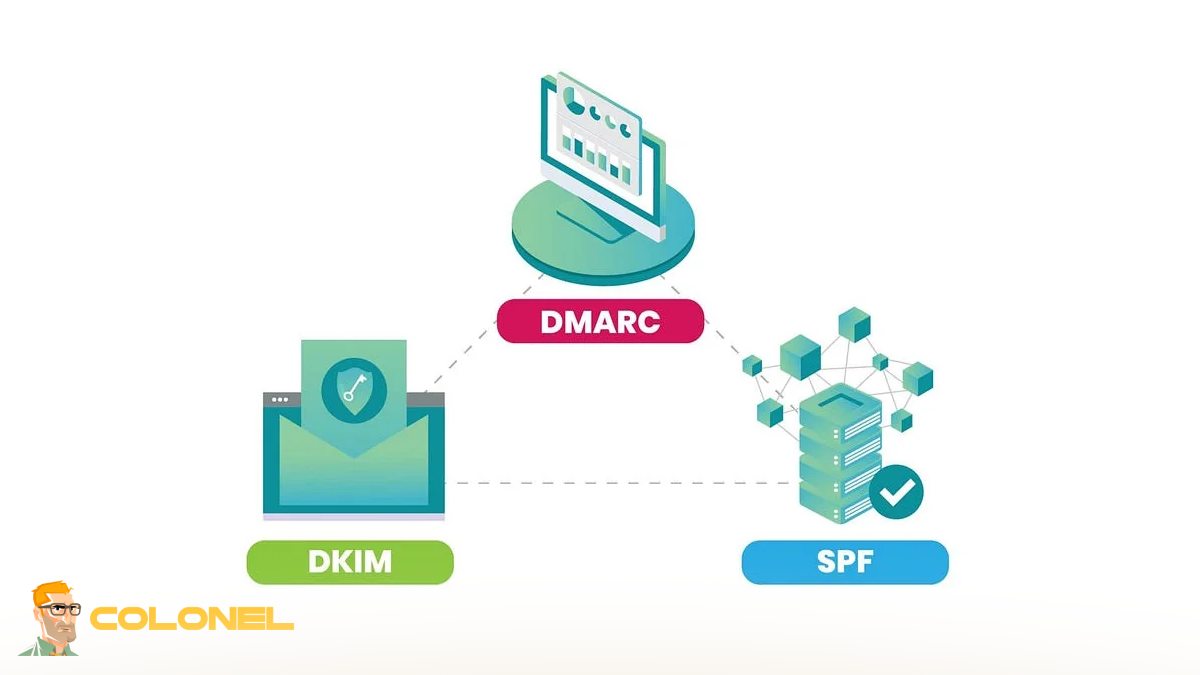
SPF verifies the sending source, DKIM validates the integrity of the message, and DMARC enforces policy and alignment. Together, they create a layered authentication system that significantly reduces spoofing and improves trust across the email infrastructure.
Step-by-Step Configuration Guide
Authentication deployment involves intricate DNS configuration and testing. Every protocol needs to be set up properly to prevent interfering with valid email communication.
Step-by-Step: SPF Setup
This starts with listing all the authorized email sending services and compiling them into one SPF record. The record is then hosted in DNS and validated to ensure it is valid.
Step-by-Step: DKIM Configuration
DKIM configuration entails creating a key pair, hosting the public key in DNS, and enabling signing on the email service. This is done to ensure that all outgoing emails have a valid signature.
Step-by-Step: DMARC Policy Activation
DMARC is enabled by creating a DNS record that outlines the policy, reporting email, and alignment. Organizations typically begin with monitoring before progressing to enforcement.
Using Third-Party Email Senders Safely
Organizations often use marketing tools, CRMs, and helpdesk software for sending emails. Each of these tools needs to be set up for authentication to prevent misalignment or SPF failure.
Testing, Monitoring, and Optimization
Authentication is not a one-time setup. Continuous monitoring ensures new services are added correctly and misconfigurations are detected early. This ongoing process helps organizations Boost Email Security while maintaining consistent deliverability.
Testing and Validating Your Records
Validation tools check DNS syntax, lookup limits, and alignment status. Regular testing ensures that configuration changes do not introduce hidden issues.
Monitoring DMARC Reports Effectively
DMARC reports provide insight into sending sources, authentication results, and potential abuse attempts. Analyzing these reports allows domain owners to take action against unauthorized senders.
Tools for Managing Email Authentication
Tools for Managing Email Authentication include:
| Tool Type | Purpose | Benefit |
|---|---|---|
| SPF Checkers | Validate SPF syntax | Prevent lookup errors |
| DKIM Validators | Verify signatures | Ensure message integrity |
| DMARC Analyzers | Process reports | Identify unauthorized senders |
Common Issues and Troubleshooting
Even small syntax errors or missing includes can cause authentication failures. Understanding common problems helps maintain a stable configuration.
Common Configuration Mistakes to Avoid
Using multiple SPF records, exceeding DNS lookup limits, misaligned domains, and missing DKIM signatures are among the most frequent issues that impact performance and trust.
Troubleshooting SPF, DKIM, and DMARC Issues
Troubleshooting involves checking DNS propagation, reviewing headers, validating alignment, and confirming that all legitimate sending services are authenticated.

Best Practices and the Future of Email Security
Authentication standards continue to evolve as mailbox providers introduce stricter requirements. Organizations that adopt proactive strategies will remain ahead of compliance changes and threat actors.
Best Practices for Ongoing Email Security
Regular audits, key rotation, gradual DMARC enforcement, and centralized monitoring form the foundation of a resilient authentication strategy that helps businesses Boost Email Security over time.
Future of Email Security and Authentication Standards
New requirements for bulk senders, stronger alignment rules, and automated policy enforcement will shape the next phase of email security. Domains that implement full authentication today will be better prepared for these changes and will continue to Boost Email Security while improving user trust and engagement.
Conclusion
SPF, DKIM, and DMARC have become essential components of modern email infrastructure. They protect domains from impersonation, improve deliverability, and provide the visibility needed to control your email ecosystem. As mailbox providers tighten their requirements, proper authentication is no longer optional but a critical business necessity. By implementing these protocols with a structured strategy, continuously monitoring performance, and following best practices, organizations can build a trusted communication channel, protect their brand identity, and achieve long-term success in a security-focused digital landscape.