
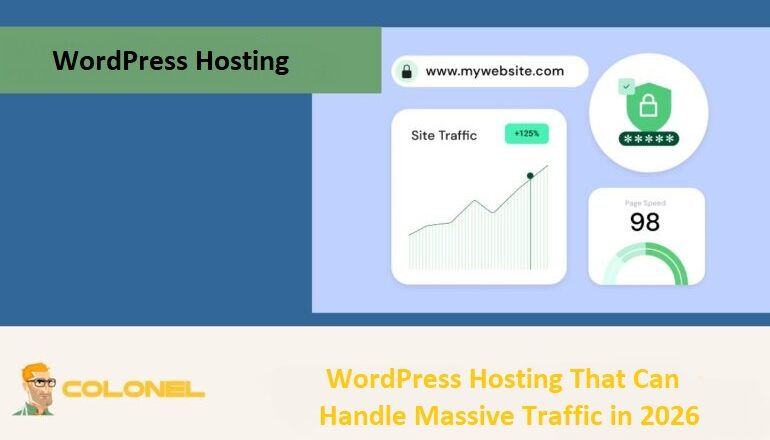

Choosing the right WordPress hosting for high traffic websites in 2026 is critical for speed, SEO, and business growth. With the increased frequency of site traffic spikes as a result of viral content, paid advertising, and an international audience, identifying the best host for your website directly impacts performance, stability, and user experience. In this guide, we will examine the most important features, performance expectations, and types of WordPress hosting that remain fast, reliable, and secure during periods of heavy traffic.
Why It’s Important To Choose High-Traffic WordPress Hosting In 2026
The volume of website visitors in 2026 continues to grow rapidly due to artificial intelligence, global digital expansion, and real-time online engagement. Choosing the right WordPress hosting is no longer just a technical decision—it directly affects user satisfaction, SEO rankings, and overall revenue. High-traffic WordPress hosting ensures stable performance even during traffic surges or sudden visitor spikes.
How Heavy Traffic Affects WordPress Performance
Each visitor triggers multiple server-level processes such as database queries, PHP execution, and file delivery. Without high-quality hosting, servers can become overloaded, leading to slow load times, delayed interactions, and partially rendered pages. Even a one-second delay can significantly increase bounce rates in competitive markets.
Common Problems With Poor Hosting Under Load
Weak hosting environments often cause downtime, slow responses, or gateway timeout errors such as 502 and 504. Database connection errors and broken dynamic elements are also common. From an SEO perspective, unstable performance can negatively affect search engine rankings.

Main Features of WordPress Hosting for Heavy Traffic
Scalable Server Resources
Scalability is essential for unpredictable traffic patterns. High-quality WordPress hosting allows automatic scaling of CPU, memory, and bandwidth without requiring constant manual upgrades.

WordPress Web Hosting
Starting From $3.99/Monthly
Advanced Caching and CDN Integration
Caching reduces server workload by serving static page versions, while Content Delivery Networks (CDNs) distribute content globally. Together, they ensure fast loading even during heavy traffic. Learn more about WordPress caching techniques to further optimize performance.
High-Performance SSD & NVMe Storage
Modern high-traffic WordPress hosting relies on SSD and NVMe storage for significantly faster data access compared to traditional HDDs, making them ideal for database-heavy websites.
Load Balancing and Traffic Distribution
Load balancing distributes incoming requests across multiple servers, preventing overload and eliminating single points of failure.
Security Mechanisms for High-Traffic Websites
Popular websites are frequent targets for cyberattacks. Advanced firewalls, DDoS protection, malware scanning, and continuous monitoring are essential for maintaining uptime and data security.
Categories of WordPress Hosting for Higher Traffic
Managed WordPress Hosting
Managed WordPress hosting is optimized exclusively for WordPress. It includes automatic updates, built-in caching, and enhanced security, making it ideal for businesses that prioritize performance and simplicity.

Cheap VPS Server
Starting From $2.99/Monthly
Cloud WordPress Hosting
Cloud hosting uses interconnected servers to provide seamless scalability. It is well suited for global audiences and fluctuating traffic levels.
VPS vs Dedicated Hosting for Traffic Spikes
The table below compares VPS and dedicated hosting for high-traffic WordPress websites:
| Feature | VPS Hosting | Dedicated Hosting |
|---|---|---|
| Resource Allocation | Shared but isolated | Fully dedicated |
| Scalability | Moderate | High but manual |
| Performance | High | Very high |
| Cost | More affordable | More expensive |
| Best For | Growing websites | Enterprise-level traffic |
Colonel Server Hosting Options for High-Traffic Websites
- Shared WordPress Hosting: Optimized with LiteSpeed Enterprise, NVMe storage, and enhanced security for moderate to growing traffic.
- Cloud Server Hosting: Scalable infrastructure with flexible performance for traffic fluctuations.
- VPS/VDS Hosting: Guaranteed CPU and memory resources for established WordPress websites.
- Dedicated Servers: Maximum performance, full control, unmetered bandwidth, and enterprise-grade DDoS protection.
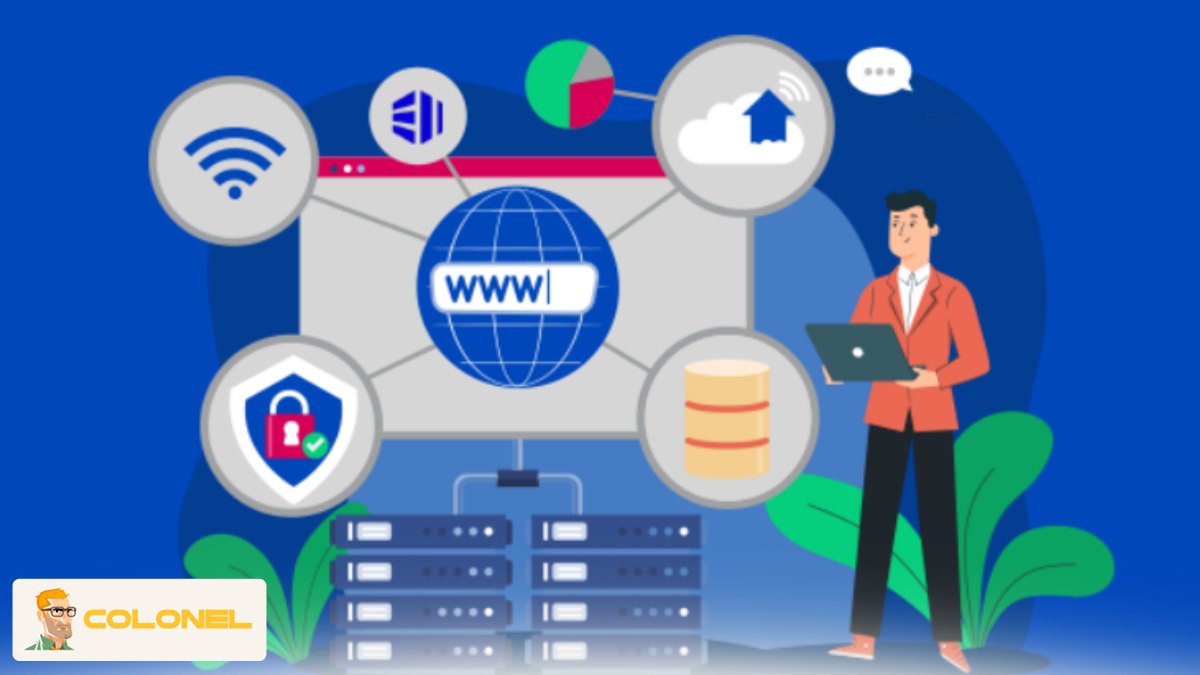
Performance Indicators to Assess WordPress Hosting
Server Response Time and TTFB
Time to First Byte (TTFB) reflects how quickly a server responds to requests and strongly influences user experience and SEO.
Uptime Guarantees and Reliability
Reliable providers offer at least 99.9% uptime, ensuring availability, SEO stability, and user trust.
Traffic Handling and Stress Testing
Stress testing evaluates how hosting performs during extreme traffic surges caused by viral campaigns or promotions.

Windows VPS Hosting
Remote Access & Full Admin
Best WordPress Hosting for High Traffic in 2026
As digital ecosystems grow, the ability to handle heavy traffic has become a critical business requirement. Selecting the right WordPress hosting determines whether a site remains responsive or fails during peak demand.
Comparison of Providers’ Performance
| Hosting Provider | Avg. Uptime | Typical TTFB / Load Time | Scalability | Best For |
|---|---|---|---|---|
| WP Engine | 99.99% | 350–450ms | Enterprise auto-scaling | Agencies, large sites |
| Kinsta | 99.96% | 400–500ms | Google Cloud optimized | Performance-focused sites |
| Cloudways | 99.99% | ~450ms | Flexible cloud options | Developers |
| SiteGround | 99.95% | ~500ms | CDN and caching | Medium traffic |
| Hostinger | 99.99% | ~500ms | LiteSpeed caching | Budget hosting |
| Colonel Server | 99.9% | Varies by plan | NVMe optimized stack | Cost-efficient scaling |
| A2 Hosting | 99.9% | ~500ms | Turbo servers | Advanced users |
Pros and Cons of Each WordPress Hosting Provider
| Hosting Provider | Pros | Cons |
|---|---|---|
| Colonel Server | NVMe storage, LiteSpeed Enterprise, optimized WordPress stack, competitive pricing | Lower global brand recognition |
| WP Engine | Excellent optimization, strong security, premium support | High pricing |
| Kinsta | Google Cloud infrastructure, stable performance | Expensive for small businesses |
| Cloudways | Flexible and scalable | Requires technical knowledge |
| SiteGround | Strong support and caching | Limited resources at scale |
| Hostinger | Affordable with decent performance | Performance drops under very high traffic |
| A2 Hosting | Fast turbo servers | Top performance limited to higher plans |
How to Choose the Right WordPress Hosting for Your Traffic Level
Estimating Current and Future Traffic
Analyze monthly visits, daily page views, concurrent users, and bandwidth usage. Consider future growth from SEO, marketing, and advertising campaigns.
Choosing Hosting Based on Growth Rate
Small websites may start with optimized shared hosting, while growing businesses benefit from managed or cloud hosting. Large organizations should consider VPS, cloud, or dedicated solutions.
When to Upgrade Your Hosting
Signs include slow performance during peak hours, CPU or memory limits, frequent downtime, and user complaints.
Tips & Tricks to Optimize High-Traffic WordPress Websites
Server-Level Optimization
Using efficient web servers, optimized PHP versions, database tuning, and server-side caching significantly improves traffic handling.
WordPress Performance Optimization
Lightweight themes, optimized plugins, image compression, database cleanup, and application-level caching reduce server load and improve speed.
Using CDN and Edge Caching Effectively
CDNs distribute static assets globally, while edge caching serves pages closer to users, dramatically reducing latency and origin server load.

Common Mistakes to Avoid When Hosting High-Traffic WordPress Sites
Choosing Price Over Performance
Cheap hosting often lacks resources and optimization, leading to downtime and slow loading under heavy traffic.
Ignoring Scalability and Support
Hosting that cannot scale or lacks responsive support can cause major disruptions during traffic spikes.
Conclusion: Choosing the Best WordPress Hosting for High Traffic in 2026
Handling high traffic in 2026 requires more than powerful servers—it demands strategic planning, scalable infrastructure, and continuous optimization. Choosing the right WordPress hosting directly influences performance, stability, and long-term business success.