
IP Address SSL is a highly effective but frequently underutilized method that allows you to protect direct connections to a server without using a domain name. For more and more programmers and network engineers seeking to streamline implementation and increase flexibility in terms of controlling their systems, setting up SSL on an IP address may be the most straightforward way to establish a secure connection. In this article, we’ll explain step-by-step how to set up SSL on your IP address and achieve safe, reliable connections.
SSL Certificate for IP Address Definition
The term “SSL certificate for IP address” refers to a certain kind of digital certificate that allows for creating an encrypted connection via server IP addresses and not using domain names. While it is much more common for SSL certificates to be tied to domain names (such as example.com), there might be situations when you need to secure an IP without using a domain at all.
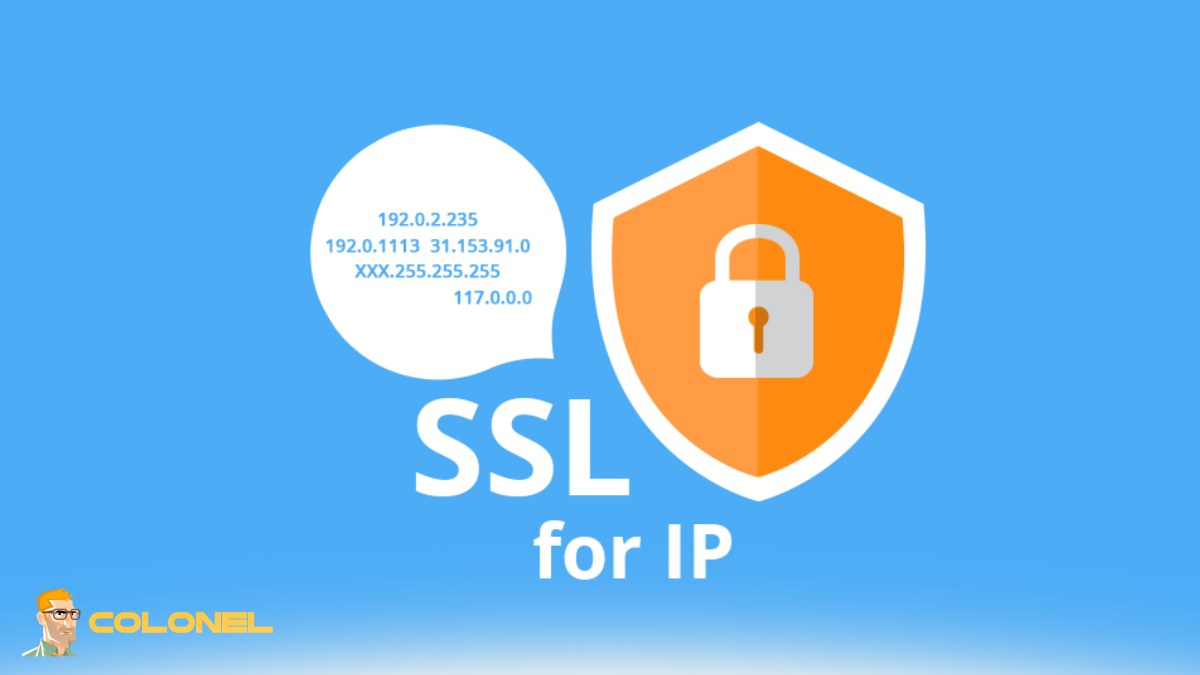
If you are planning on implementing SSL for IP Address, what you will get is the binding of an encryption layer to a particular numeric IP (for example, 192.168.1.1 or any IPv4 or IPv6). This means that the information transferred between your device (be it an Internet browser or any other application) and the server will be securely encoded.
As compared to domain SSL, which is easier to install and is supported by free certificate providers, securing your IP address is a bit trickier and may require additional configuration. This is precisely why IP SSL certificates are usually obtained from special providers.
To put it in plain English, SSL for IP Address works the same way as normal SSL, except it is designed for IPs and not domain names.

WordPress Web Hosting
Starting From $3.99/Monthly
Why You Need an SSL Certificate for IP Address Connection
When accessing a server through IP address, you bypass DNS altogether. Even though this seems to make sense in terms of efficiency, it presents one significant drawback—your connection becomes vulnerable to interception without additional protection.
That’s where SSL for IP address comes in and helps ensure safe communication even in the absence of a domain name. Some common use cases of this certificate include:
- Connecting to administrative consoles based on IP addresses
- Connecting to APIs hosted on servers that don’t have any domain names
- Managing cloud instances based on their IP addresses
- Using proprietary software that works with the IP address of the server only
The bottom line is clear: without an SSL certificate, all information transmitted over the connection can become a potential target of hacking.
Additionally, current web browsers are very strict about marking any non-HTTPS connection as “not secure.” Thus, trying to access any resource using IP address will likely result in connection blocking or warnings.
Therefore, an SSL certificate for IP address is essential.
How SSL for IP Address Operates
By design, SSL operates using encryption protocols to ensure a secure link between the client and server systems. In using SSL for IP address rather than domains, there are slight differences in how this procedure is executed.

Cheap VPS Server
Starting From $2.99/Monthly
The following is what takes place when using SSL for IP Address:
- The issuance of a certificate for the particular server’s IP address
- The installation of the certificate in the server
- Upon connection by the client, presentation of the certificate by the server
- The verification of the certificate by the client and establishment of an encrypted connection
In this case, the validation process for IP address SSL is significantly different from domain SSL certificates. While domain SSL utilizes DNS records to authenticate the identity of the domain, IP SSL uses server authentication or manual processes.
It is important to note that not all CAs offer IP address SSL certificates. For instance, Colonelserver offers customized services to meet the needs of IPs.
In summary, upon configuring SSL for IP address, the link uses HTTPS protocol.
Advantages of using SSL on IP Address vs Domain Name
It may seem odd to use SSL on IP, but there are some advantages that come with this approach and it may work well depending on the scenario.

Windows VPS Hosting
Remote Access & Full Admin
Let’s first establish something before we begin the discussion. If you are working with servers, API, and other tools in the IT sphere, using SSL on IP addresses could actually bring many benefits.
Some of the key advantages are:
- Immediate secure connection without using DNS
- Quick installation process
- Perfect for internal use and networks
- No dependence on any domain configuration
- Great for debugging and API connections
- Improves API security without using domain routing
An important but overlooked advantage of using SSL on IP is control. When using SSL IP you get rid of unnecessary elements like domain DNS problems.
To sum up, while SSL on IP may not be necessary on publicly accessible sites, it can provide many advantages if you have an internal tool or network.
SSL Setup for IP Address – Step by Step Process
The SSL setup procedure for IP address differs from that of domain SSL but is not too hard if done the right way.
Before we go ahead with the instructions in the table below, note that everything will depend greatly on your server (Apache, Nginx, and other factors).
Here’s a simplified breakdown:
| Step | Action |
|---|---|
| 1 | Obtain a valid SSL certificate for your IP |
| 2 | Generate a CSR (Certificate Signing Request) |
| 3 | Submit CSR to your SSL provider |
| 4 | Complete validation प्रक्रिया |
| 5 | Install certificate on your server |
| 6 | Configure your server to use HTTPS |
| 7 | Restart server and test connection |
After completing these steps, your server should support SSL for IP Address and allow secure connections via HTTPS using the IP.
Important tip: always test using tools like curl or browser inspection to confirm that the certificate is correctly installed and trusted.
Typical Problems and Solutions to Consider
As you know, configuring SSL for IP Address may be complicated because of several common problems.
The following list will help you identify the most widespread problems and solve them properly:
Browsers refuse certificates as untrusted
→ Possible solution: Use trusted CA certificates or configure installation of root certificates
IP Mismatch warnings
→ Possible solution: Make sure that your certificate was issued for your specific IP address
Low CA compatibility
→ Possible solution: Purchase your certificates from specialized providers
Problems in the configuration files of your server
→ Possible solution: Review your settings concerning paths, ports and usage of SSL directives
Warnings regarding mixed content on websites
→ Possible solution: Make sure that all external links open via HTTPS protocol
The main pitfall is using SSL certificates for IP Addresses the way you do that for domain SSLs. That may lead to numerous problems. Be prepared to solve them.
Use Cases for SSL for IP Address (Servers, APIs, Internal Utilities)
Now we come to the interesting part, and it turns out that SSL for IP Address is not only a technical workaround but, in fact, the optimal solution in many practical use cases.
Here are the most typical applications:
- Back-end servers without public DNS
- Microservices interacting through IP addresses
- Private networks API security
- Dev/Staging environments
- Cloud instances direct access (AWS, Azure, and other providers)
- IoT devices
In each of these cases, having a domain name might be either redundant or even counterproductive, which makes SSL for IP Address a preferable choice. For instance, if you have internal APIs between
Get Effective SSL for IP Address via Colonelserver
Here’s the most overlooked aspect: The provider of the SSL certificate is more important than the whole set-up.
Not all providers have an SSL for IP Address service; others do not provide effective assistance. This makes the choice extremely important.
Colonelserver offers specialized products and services for an effective set-up of SSL for IP Address.
By opting for Colonelserver, you will receive:
- SSL certificate for IP address compatibility
- Assistance with validating and setting up
- High-level encryption
- Supporting different server configurations
- Performance efficiency
By trying to bypass this process, you risk encountering many difficulties and unnecessary problems. Rather than looking for workarounds, choose a provider who will understand the whole process properly.
Final Take
When dealing with servers, APIs, and internal system components, not implementing SSL for IP address means making a huge blunder. This should be done because it makes your process clean and professional.
Once you get everything set up correctly and pick the best providers, you will have a system that is both secure and organized. Don’t take the risk and implement SSL.
