
What Is cPanel? Ever wanted to know how websites are maintained behind the scenes? Well, cPanel is one of the leading options when it comes to doing just that. Created by cPanel, LLC, cPanel offers an intuitive control panel interface that allows you to perform important functions such as file management, domain management, email management, and database management without requiring any specialized knowledge. With this concise guide, you’ll have all the information you need about what cPanel is, its functionality, and why it’s a preferred choice for both novices and experienced users.
What Is cPanel and How Does It Function?
What Is cPanel? One of the most popular tools for managing your website on the hosting server, cPanel is a web hosting control panel meant to make the process of running websites easy for both newbies and experienced individuals. There is no need to work in command line or be familiar with servers, as everything can be done visually via sections in which all functions are gathered together.
Speaking about the principle of operation, What Is cPanel may be explained in the following way: cPanel serves as an interface linking the website to its server. Upon logging in, one gets access to various tools that help to upload files, install software applications, control domains and resources, configure website security, etc., meaning that even without being a developer, one may handle multiple website-related technical details.
One of the reasons why What Is cPanel is such a popular question among beginners is that it is included in almost any package of shared hosting offered by hosting companies.
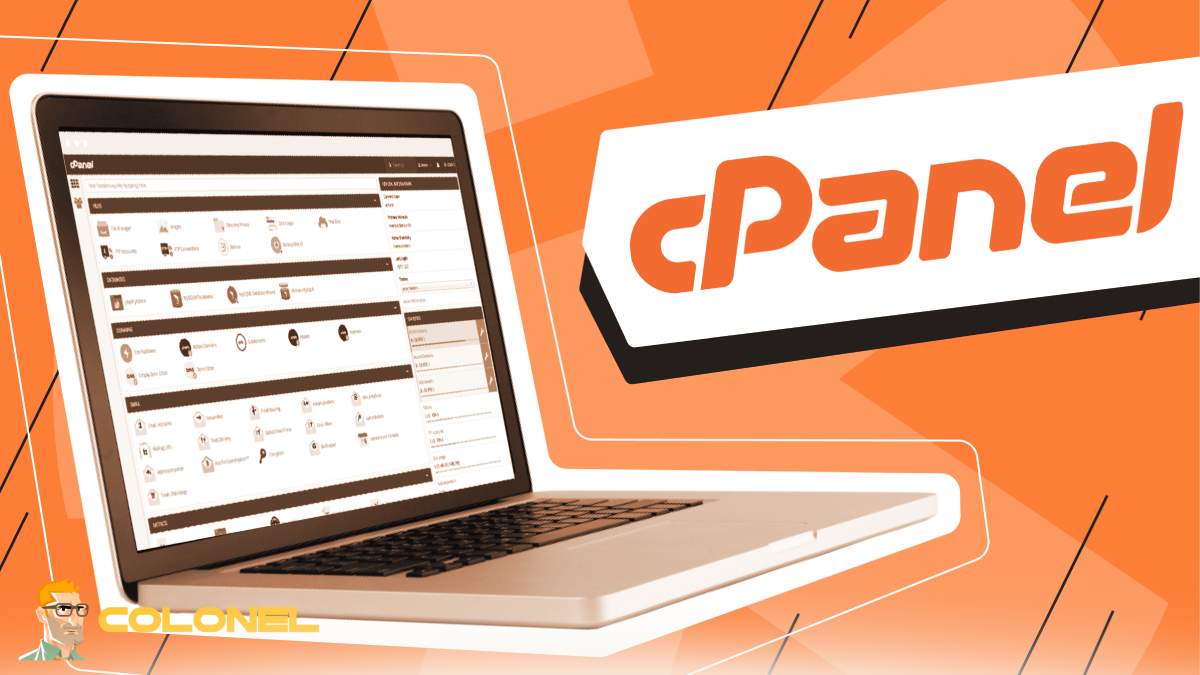
Important Features of cPanel to Remember
There is no shortage of functions in cPanel that facilitate website management. This solution provides many useful applications regardless of whether you maintain a personal blog, company site, or online store.

WordPress Web Hosting
Starting From $3.99/Monthly
However, before moving on to discuss the most relevant features, it is worth noting that this software is user-friendly in its interface design. cPanel separates functionality by types, providing a convenient navigation system.
Among the most valuable features are:
- File Manager to upload, modify, delete, and organize your website files
- Email Accounts to set up personalized email addresses
- Domains Area where you can add subdomains, addon domains, and redirects
- Databases to handle MySQL databases and phpMyAdmin access
- Security Measures including SSL setup, IP banning, and password protection
- Backup Tool for creating and recovering your backups
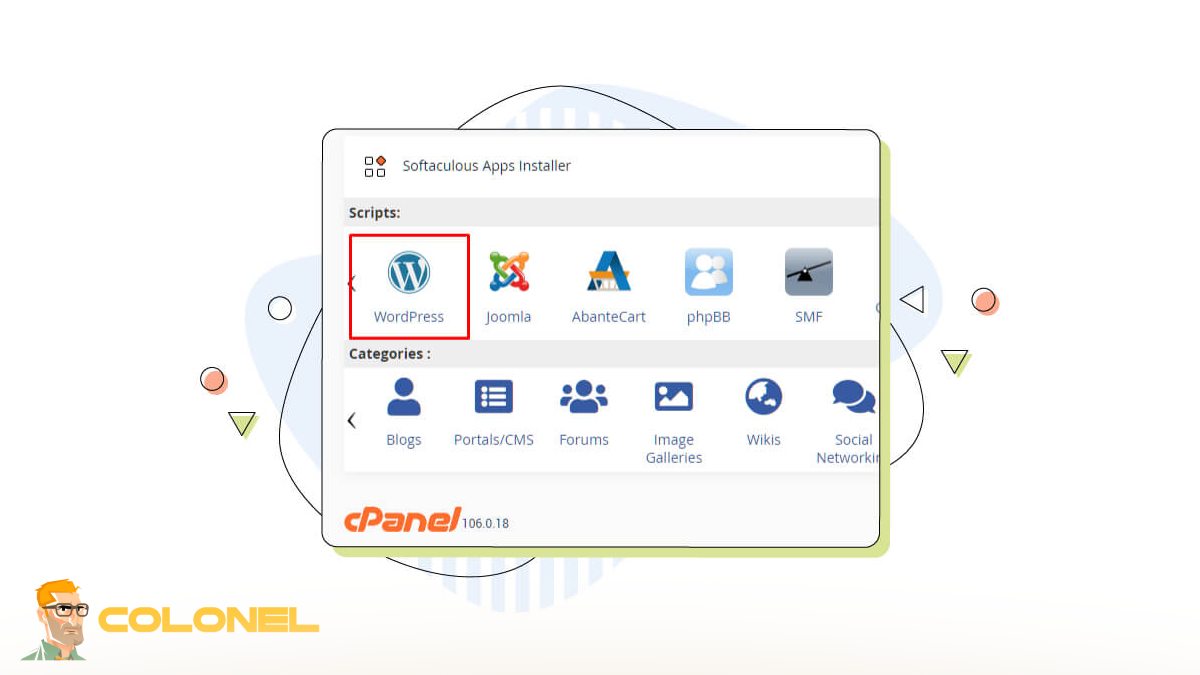
- Softaculous for instant one-click software installation, e.g., WordPress
These features not only clarify What Is cPanel but make it the answer to your website management problems.
Advantages of Using cPanel in Website Management
The major benefit of using cPanel is the element of ease. Webmasters usually require a system that can be used to save them time while also giving them control over their environment.
The below table indicates some of the major benefits:
| Feature | Benefit | Why It Matters |
|---|---|---|
| Easy Interface | User-friendly layout | Great for beginners |
| Centralized Tools | Everything in one place | Saves time |
| Backup Options | Data protection | Prevents data loss |
| App Installer | One-click installs | Faster setup |
| Security Controls | Better protection | Improves trust |
Another major benefit is efficiency. Tasks that might otherwise require coding or SSH access can often be completed in just a few clicks. For example, setting up a domain redirect or creating a database user becomes a simple guided process.

Cheap VPS Server
Starting From $2.99/Monthly
For businesses, this means lower maintenance costs. For bloggers and freelancers, it means more independence.
The cPanel Dashboard Explained
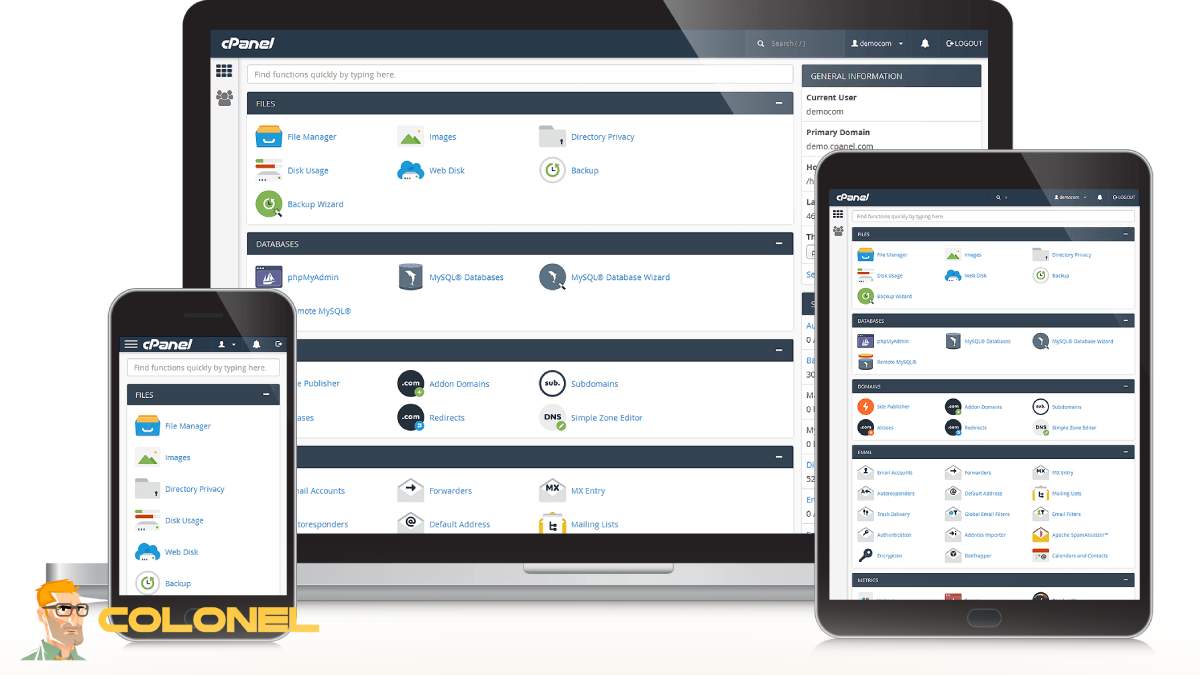
The dashboard is what most users see more than anything else. Once you log into cPanel, you will find that it organizes everything into categories such as files, databases, emails, domains, metrics, and security.
One of the things that make cPanel appealing is its simplicity. Most important icons have clear labels while a search bar appears at the top of the screen to help you quickly find various tools.
Common sections are:
- Files
- Databases
- Domains
- Metrics
- Security
- Software
- Advanced
The organized nature of cPanel is one of the reasons for high demand for information like What Is cPanel. New website owners always look for something that simplifies their lives, and cPanel does just that.

Windows VPS Hosting
Remote Access & Full Admin
In addition, you can customize the dashboard based on your hosting provider. Most providers add their own features to the platform while still providing you with a similar user interface.
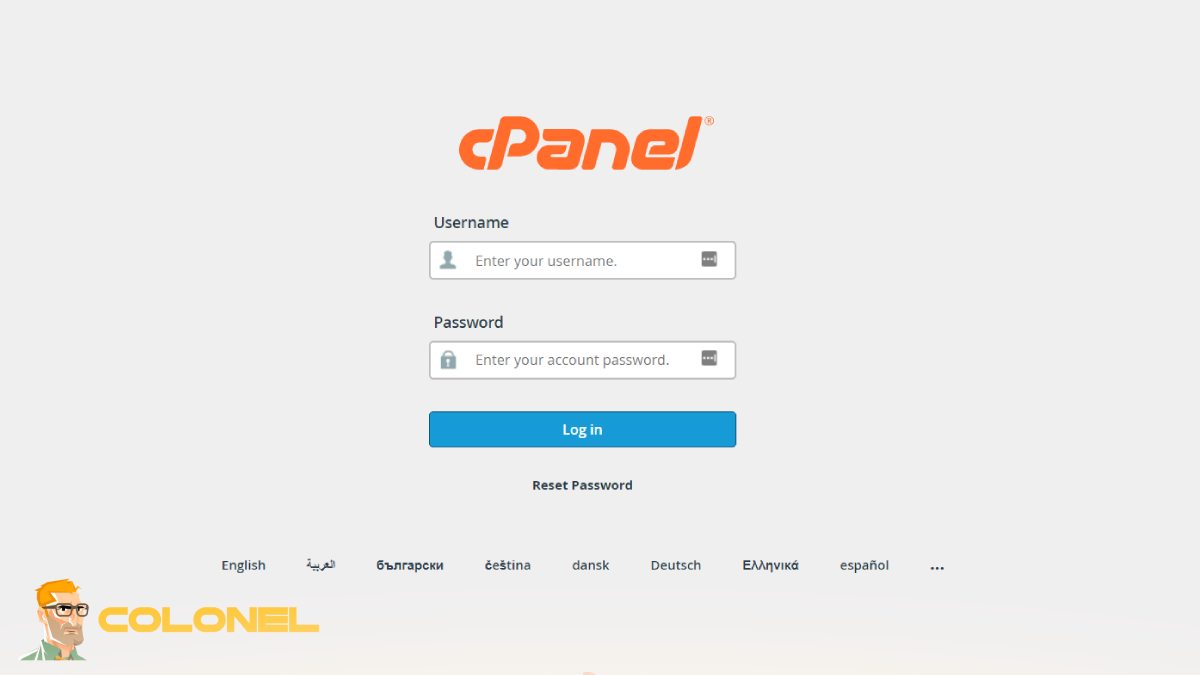
How to Login and Start Working with cPanel
Starting to work with cPanel requires some easy actions to be done. Usually, your host company will provide you with login credentials right after purchasing hosting plans.
The usual login address takes form like this:
yourdomain.com/cpanel
or
yourdomain.com:2083
Upon successful login, you will see the dashboard.
Among the first things that you need to do:
- Change your password
- Set up your email account
- Install your CMS (e.g., WordPress)
- Configure SSL
- Make backups
If your goal is to build a website using a database-driven application, it might be wise to check Install phpMyAdmin in LAMP with AlmaLinux OS (7 Step).
With all that being said, What Is cPanel turns into a question of practical interest.
Files and Domain Management through cPanel
One of the most frequently used services in cPanel is file and domain management.
The File Manager tool helps you:
- upload website files
- create directories
- work with code files (for example, edit files)
- adjust permissions
- zip/unzip files
It is very helpful when you need to update a theme, plug-ins, or any other code on your site.
When it comes to domain management, there is an array of useful options to consider:
- Addon Domains for multiple website hosting
- Subdomains like blog.yoursite.com
- Aliases, where many domains point to a single site
- Redirects to direct users to another webpage
If you have several websites that you are hosting at once, using just one hosting account, cPanel makes the job much easier. That is one of the greatest arguments in favor of answering the question of What Is cPanel.
cPanel vs Others: What Makes It Unique?
While there are other control panels apart from cPanel, including Plesk, DirectAdmin, and Webmin, the latter is considered one of the best-known among hosting providers.
The following characteristics distinguish cPanel from others:
Ease of use
The panel is thought to be more user-friendly due to its clear interface and labels.
Availability
A lot of hosting providers tend to include cPanel in their packages, making information about it easy to find in tutorials, forums, etc.
Integration
The integration of cPanel with Softaculous, Cloudflare, backup solutions, etc., tends to be good.
Specifics of operating systems
As cPanel is Linux-based, it is often used in Linux hosting plans.
In turn, other options can be less expensive sometimes. For instance, DirectAdmin is preferred in budget hosting packages. Nonetheless, the question What Is cPanel? implies talking about a standard solution utilized by most hosting providers.
Is cPanel The Right Choice For You?
It all depends on your requirements.
If what you seek is an intuitive and easy-to-use method of hosting administration that doesn’t require any technical prowess from your side, then cPanel will definitely work out very well for you. The reasons for choosing cPanel are as follows:
- blogs
- small businesses
- freelancers
- online retailers
- web development agencies managing their clients’ websites
However, it might not be needed if you find yourself more comfortable managing your server through the command line or your host utilizes an alternative ecosystem.
For the vast majority of people, however, “What Is cPanel” will always lead to a resounding “Yes.”
Do let us know what you think in the comments below – have you tried using cPanel, or do you intend to get started with it soon?
Why cPanel Is Still the Intelligent Option
From the outset, there are several reasons why countless website administrators choose cPanel. Regardless of whether you need a means for file control, domain control, or anything else, cPanel does it all under one roof.
Whether you are setting up your first blog or working with several clients’ sites at once, the question “What is cPanel” is something you’ll want answered because it will help make your hosting and website administration much easier.
Overall, the answer to the question “What Is cPanel” isn’t just for beginners.
