
How to Build a WHMCS Module Using ChatGPT Becoming a highly effective way for developers to speed up the module creation process without having to write all the code from scratch, developing a WHMCS module with the assistance of ChatGPT is now an easy and efficient option. By making use of the power of AI, you can easily generate your code, learn about WHMCS hooks and API and save yourself a considerable amount of time.
Modules Available For Your WHMCS Website
It is important to know the various module types that you can build while working on WHMCS website development services. Each module type has its own functionality, and it is up to you to choose which one is best suited to your organization’s requirements. Once you have figured out the right module type, you will be able to generate quality WHMCS Module using ChatGPT.
Provisioning Modules
The provisioning modules are used to perform the tasks of setting up new service, suspending service, terminating service, or performing other management operations for the services, such as hosting account, VPS, or cloud servers. The module type works by integrating your WHMCS platform with an external control panel or API-based system.
Payment Gateway Modules
The payment gateway modules enable your WHMCS system to perform transactions from third-party payment gateways. The payment gateways could include Stripe, PayPal, or any other bank payment gateway.
Addon Modules
Addon modules are an extension of functionalities available in WHMCS in either the administrator or client area. They are quite flexible and may be used for creating custom dashboards, report generation, automation and integration with external service providers.

Cheap VPS Server
Starting From $2.99/Monthly
Registrar Modules
Registrar modules are useful in integrating domain registrars with WHMCS for automation of domain registration, transfers, renewals and DNS functions. They are indispensable for any business that sells domains.
Server Modules
Server modules function similarly to provisioning modules, although they are mainly concerned with server level functions.
Benefits of ChatGPT for WHMCS Module Development
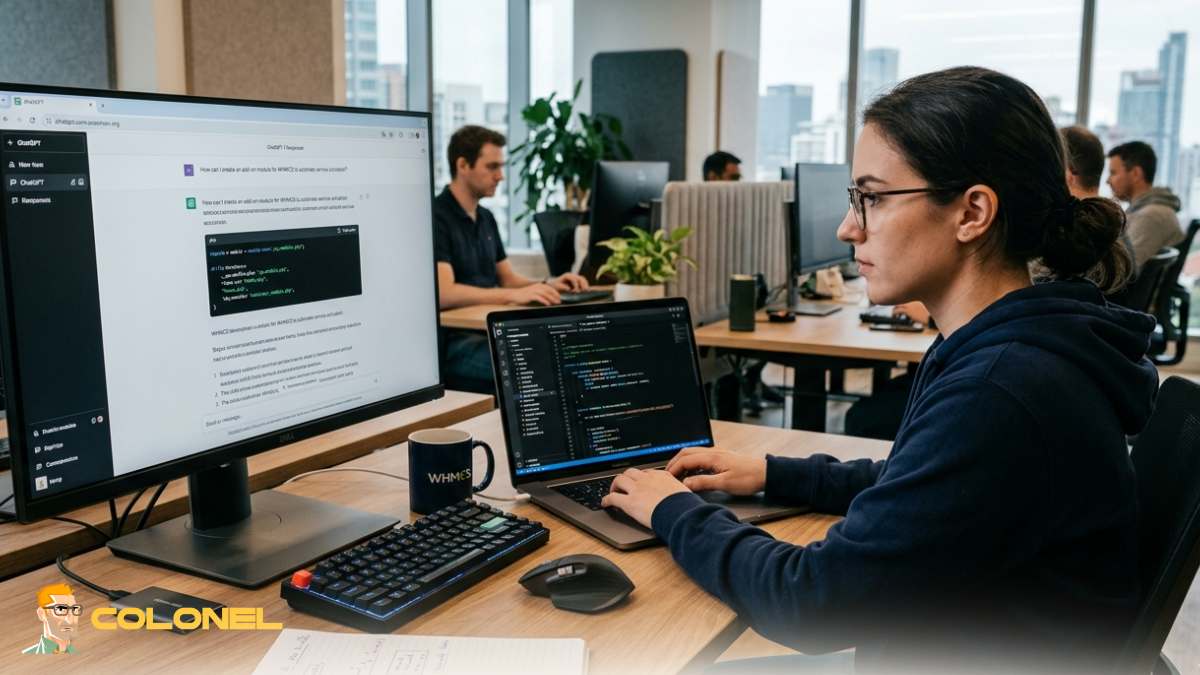
Developers have always had to innovate on their methods for coding programs using new technologies like AI, but WHMCS modules are not an exception to that rule. By Building Your WHMCS Module Using ChatGPT, you will enjoy quick workflows, efficient coding processes, and enhanced problem solving.
Some of the main benefits of using ChatGPT for WHMCS modules include:
- Speed up the development process through generated code snippets
- Gain a good understanding of the WHMCS hooks and APIs
- Make fewer mistakes by having a guide for your coding
- Quickly generate module ideas
- Improve documentation and commenting in code

Requirements for WHMCS Module Development
Prior to beginning your coding process, it is important that you establish an appropriate environment. If you don’t do this, you might incur a lot of errors and problems while creating a module.

Windows VPS Hosting
Remote Access & Full Admin
For starters, you have to have a WHMCS application installed, preferably on your local computer or development server. Access to WHMCS documentation will be important here. Understanding PHP, MySQL and basic API knowledge will be required.
Moreover, certain tools will aid in streamlining your process, such as an IDE (like VS Code), Git and any debugging tool you may use. Having those at hand when you Build a WHMCS Module Using ChatGPT will help you instantly test your code.
WHMCS Folder Structure Overview
The folder structure of WHMCS is vital for developing modules. Every type of module has its specific folder, and putting files in the wrong folders might prevent your module from working.
As an illustration, addon modules are found in /modules/addons/, whereas payment gateway modules can be found in /modules/gateways/. By familiarizing yourself with this folder structure, you can organize your code appropriately.
With WHMCS Module Building With ChatGPT, you can instruct ChatGPT to create your module’s code in the appropriate folder structure.
Key Components of a WHMCS Module
Every WHMCS module is made up of several essential components that define how it works. These include configuration files, function definitions, hooks, and templates.
Here’s a quick overview:
| Component | Description |
|---|---|
| Config Function | Defines module settings in WHMCS admin |
| Activation Function | Runs when module is activated |
| Output Function | Displays content in admin/client area |
| Hooks | Allow interaction with WHMCS events |
| Templates | Handle frontend display |
Understanding these components is critical when you Build a WHMCS Module Using ChatGPT, as it helps you generate structured and functional code.
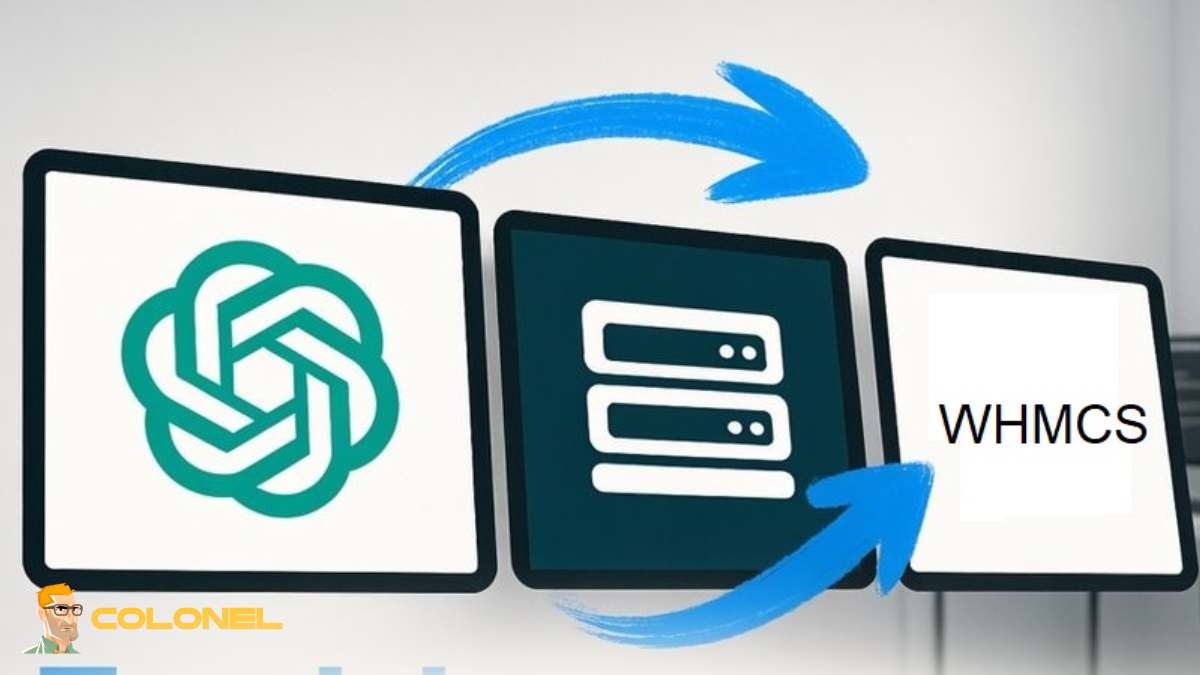
How to Create a WHMCS Module with ChatGPT: Step-by-Step Approach
It may be difficult to create a WHMCS module, but you can divide the process into several simple stages.
Firstly, determine the goal of your WHMCS module and then use ChatGPT to design its main file structure and configure functions. Secondly, incorporate basic capabilities, such as API connections or database connections.
Furthermore, implement hooks that will automate the process and test each function individually. Afterward, improve the efficiency and enhance the user experience.
If you are a beginner in WHMCS development, it is extremely important to start with the article What Is WHMCS? Complete Beginner Guide 2026.
Developing a Simple WHMCS Addon Module
The best option for newcomers is developing addon modules. They provide high flexibility and do not require close integration with any third-party services.
First, define a module configuration file and activation/deactivation functions. Next, write an output function for displaying data in the admin area.
If you want to learn how to Build a WHMCS Module Using ChatGPT, you can develop an addon module template very quickly and then modify it to meet your specifications.
Creating WHMCS Hooks with ChatGPT Assistance
Hooks are one of the most effective WHMCS features. With their help, you can run custom code at certain events, for example, during customer registration or invoice creation.
ChatGPT can assist you in creating hook examples according to your preferences. For example, you can ask ChatGPT to develop a hook that will send a custom notification after payment.
Thus, you will be able to Build a WHMCS Module Using ChatGPT and implement various automations in your project.
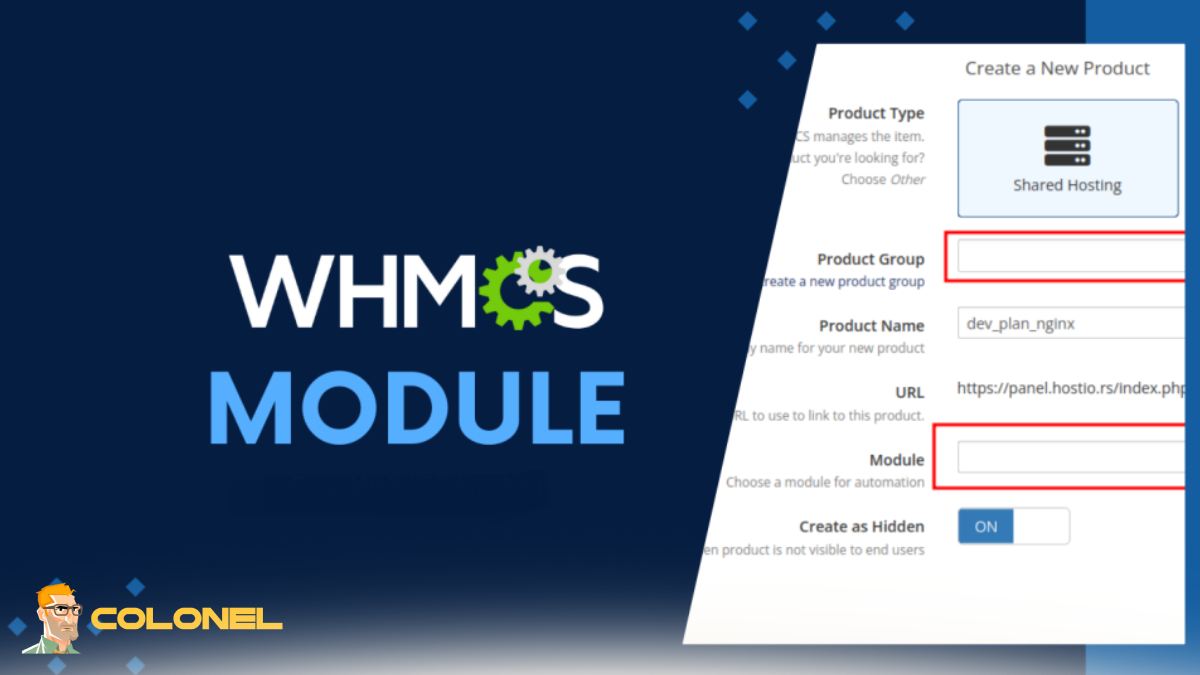
API Integration in Your WHMCS Module
The incorporation of APIs plays an important role in integrating your module into another application, such as a payment gateway, cloud platform, or customer relationship management (CRM).
First, it is necessary to read through the API documentation of the third-party application that needs to be integrated. Then, using ChatGPT, it is possible to write the code that handles requests and responses.
As per Mozilla Developer Network (MDN):
“APIs provide the means for different software systems to talk to each other.”
The above statement further emphasizes the necessity of appropriate API integration while Building a WHMCS Module Using ChatGPT.
Debugging and Testing Your Module
Testing plays an imperative role in developing a WHMCS module. Failure to test your module properly could lead to errors and bugs during its use.
It is necessary to test all functions, including activation, API calls, and hooks. Furthermore, it is essential to analyze error logs and use debugging tools to find errors.
While Building a WHMCS Module Using ChatGPT, one can seek its assistance in debugging any errors.
Best Practices for Secure Module Development
Security is always a high priority concern while developing WHMCS modules due to the fact that they handle sensitive data, and hence pose many risks.
Some important security best practices include:
- Validating and sanitizing all user input data
- Employing safe API authentication mechanisms
- Avoiding the storage of sensitive information in log files
- Employing proper access control
- Keeping the code up-to-date and regularly patched
These best practices guarantee that your module will remain safe while you Build a WHMCS Module Using ChatGPT.

Improving the Efficiency of Your Module
Efficiency improvement allows you to ensure that your module will not have a negative impact on the operation of WHMCS.
Reducing the number of database queries and utilizing caching techniques as well as efficient coding play a critical role.
When you Build a WHMCS Module Using ChatGPT, you can get optimized versions of your module.
Common Mistakes to Avoid
Even seasoned developers can make some errors when developing WHMCS modules. Knowing about such mistakes is useful for saving time and preventing headaches.
Such mistakes include wrong file structures, no validation, disregard for WHMCS standards, and under-testing.
Avoiding these mistakes will help to avoid many problems during the module development when Building a WHMCS Module Using ChatGPT.
Deploying Your WHMCS Module
The last phase is deployment. It includes uploading the files to appropriate folders and activating the plugin in WHMCS.
It is essential to test the module in a testing environment before its deployment, which helps to prevent crashes in the live system.
Deployment is the final stage of your module development when Building a WHMCS Module Using ChatGPT.
Maintenance and Updates
When your plugin gets deployed successfully, this does not mean that you completed the entire process.
Module maintenance requires you to keep up with WHMCS updates and monitor its performance. Bugs should be eliminated while new functionalities could be introduced.
If you Build a WHMCS Module Using ChatGPT, the same AI can also assist in updating and improving your module in the future.

WHMCS Modules Real-World Applications
WHMCS modules find application in a variety of situations. For instance, hosting providers use them to streamline account creation processes, whereas corporations leverage them to integrate with their accounting software and customer relationship management platforms.
Additionally, other applications include bespoke reporting systems, SMS-based alerting solutions, and sophisticated payment gateways.
These examples highlight how valuable it is to create a WHMCS module using ChatGPT and make it fit for your requirements.
Raise Your WHMCS Development Game
Module development isn’t only about programming but also about crafting solutions that enhance automation, efficiency, and usability. With this in mind, knowing how to Build a WHMCS Module Using ChatGPT will enable you to speed up your development processes and design smarter workflows.
It’s time to level up! Have you ever developed a WHMCS module or utilized ChatGPT for coding purposes? Feel free to share your thoughts, inquiries, or suggestions below.
