
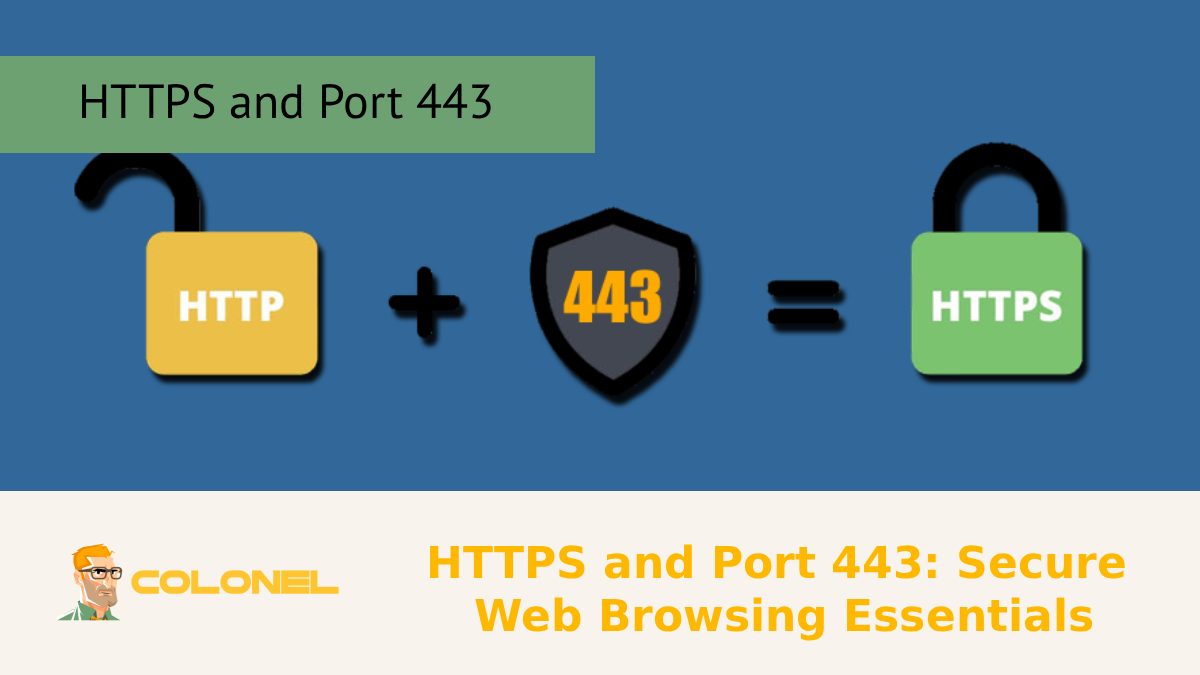
HTTPS and Port 443: Secure Web Browsing Essentials
HTTPS and Port 443 are the foundation of Secure Web Browsing in the current digital age. HTTPS ensures the encryption of data being transmitted between users and websites, thus securing passwords, payment information, and personal data from being intercepted or tampered with. Port 443 is the default ...

CentOS Guide: Restart Apache After SSL, Keep HTTPS
Restart Apache After SSL is an essential task for system administrators using CentOS who need to implement the SSL changes without interrupting the HTTPS connection. Restarting Apache after an SSL installation or configuration can result in a system failure, an unsecured HTTPS connection, or a warning message ...
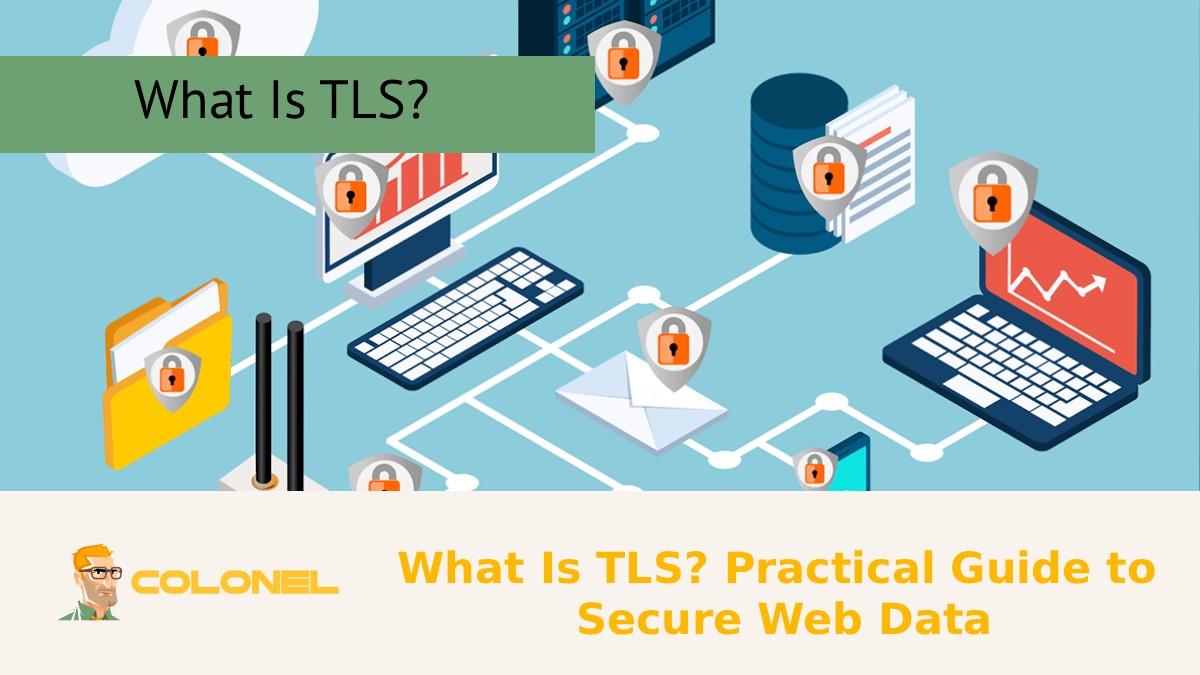
What Is TLS? Practical Guide to Secure Web Data
What Is TLS? Transport Layer Security, or TLS, is an essential protocol that provides confidentiality, integrity, and authentication of data exchanged over the internet. In this practical guide to secure web data, the technical aspects of Transport Layer Security are discussed, and the way encryption, trust through ...
Let’s Encrypt Is Reducing Certificate Validity to 45 Days
The decision by Let’s Encrypt to shorten the maximum certificate validity from 90 days to 45 days marks one of the most influential structural changes in the modern TLS ecosystem. This update is not an isolated event but part of a broader movement by the CA and ...

How to Fix Common SSL Certificate Errors on VPS
SSL certificate errors on a VPS often arise from misconfigurations, expired certificates, or browser incompatibilities. Addressing these errors proactively not only protects user data but also ensures uninterrupted site accessibility, which is critical for website performance and SEO.
SSL certificates are essential for securing websites hosted on VPS ...