
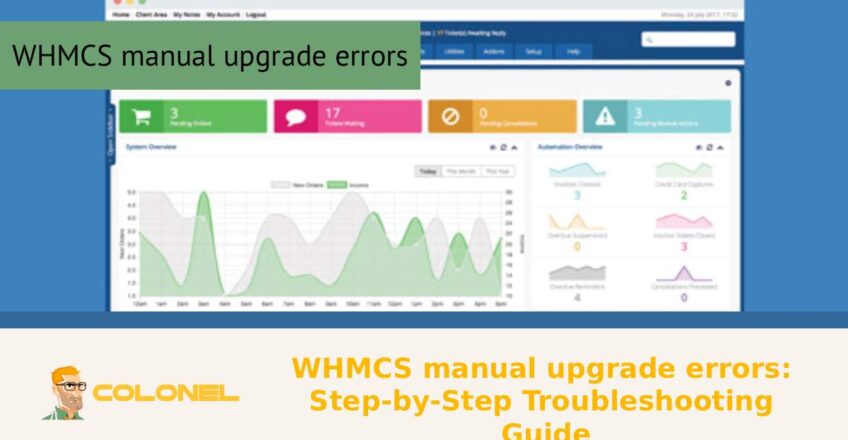

WHMCS manual upgrade errors can quickly turn what should be a routine update into a frustrating experience, especially when unexpected issues disrupt your billing system or client management workflow. Whether you’re dealing with file conflicts, database mismatches, or permission problems, understanding the root cause is key to resolving them efficiently. In this step-by-step troubleshooting guide, we’ll walk you through the most common problems users face during manual upgrades and provide clear, practical solutions to help you restore your WHMCS installation without unnecessary downtime.
WHMCS manual upgrade errors
While upgrading your WHMCS software manually, there could be some problems, which could affect your entire WHMCS setup. To resolve any issues, you need to know the causes behind them. Some common reasons for WHMCS manual upgrade mistakes include partial file uploading, incorrect versions, and server configurations.
In one case, the user could fail to delete all obsolete files before adding the new ones. When the new file gets added to the current version, it might conflict with each other, leading to manual upgrade mistakes.
Using a wrong PHP version would be another reason. As the software keeps on upgrading itself, its system requirements keep changing. In the absence of proper system configuration, it might lead to WHMCS manual upgrade mistakes.
Ähnlich, if you interrupt the uploading process while transferring the file via FTP, it could corrupt the software and cause some issues.

WordPress-Webhosting
Ab 3,99 $/Monat
Pre-Upgrade Check List to Avoid Errors
Prior to beginning an upgrade, preparation is key. The majority of errors encountered when conducting upgrades manually using WHMCS are entirely preventable if a check list is followed.
- Backup Files/Databases
- Check Server Requirements
- Temporarily Disable Third Party Add-Ons
- Clear Template Cache
- Put Your System on Maintenance Mode
By doing this, you can rest assured that even if an error occurs, you can swiftly resolve this problem without any damage being done. Checking the official release notes prior to upgrading is highly advised because they will inform you of any breaking changes.
For those who wish to improve their site speed while upgrading, So richten Sie ein CDN für schnellere Websites ein would be a good read.
Problems in File Permissions and Solutions
File permission is very important for the smooth functioning of WHMCS. Inappropriate permission can result in file execution failures or incorrect application of updates. Manual WHMCS upgrade problems due to inappropriate permissions will mostly show up as permission-denied notifications or file write errors.
Following is a table to help you know about the right permissions:
| File/Folder Type | Recommended Permission |
|---|---|
| PHP Files | 644 |
| Verzeichnisse | 755 |
| Configuration Files | 400 oder 440 |
If your permissions are too restrictive, WHMCS cannot update files. Auf der anderen Seite, overly permissive settings can expose your system to security risks. Always strike a balance between functionality and security.

Günstiger VPS-Server
Ab 2,99 $/Monat
WHMCS Database Upgrade Error Explanation
Database error is one of the most complicated WHMCS manual upgrade error cases. It generally occurs during the execution of the upgrade script process.
Causes of the database error may be:
- Upgrade script execution time out
- Lack of permission to update the database
- Corrupted tables
To resolve such an issue, it is recommended to execute the script for upgrade once again from the install directory. Ensure that the database user has all kinds of privileges like SELECT, INSERT, UPDATE, ALTER.
As stated on the Stack Overflow,
„Database upgrade failure is due to interruption of the process or lack of permissions. Re-executing the script with full permission solves the problem.“
Jetzt kaufen
Windows VPS-Hosting
Remote Access & Full Admin
Solving Problems with Templates and Themes
When updating WHMCS, template and theme problems are common. In vielen Fällen, the root cause of this error is an upgrade performed incorrectly using manual WHMCS upgrade procedures.
Solution:
- Use the default WHMCS template
- Look for deprecated functions in the template
- Replace any hooks/overrides that don’t work anymore
If the problem doesn’t recur, then you know what the problem was. Now, you should slowly update your template until it matches the latest WHMCS version.
Blank Pages and PHP Problems During WHMCS Manual Update
One of the most common consequences of the wrong update is blank pages. It means there is a fatal error in PHP but not showing due to the disabled error reporting feature.
Steps for Troubleshooting
To begin with, you need to switch on the reporting of the errors so you can know what exactly the problem is.
- Solutions That Are Often Helpful
- Change the PHP version to be compliant with WHMCS specifications
- Stop all third-party modules from working
- Read error reports from the hosting dashboard
Rolling Back on Failure of WHMCS Upgrade
On occasions where the upgrade fails utterly, you need to go for the option of rolling back. Manual upgrade problems within WHMCS can make the whole system unstable and hence make it necessary to revert to an earlier version.
Um dies zu tun:
- Revert your files to backup
- Revert your database to backup
- Clear cache and test your system
This is done by ensuring that your backups are up-to-date and comprehensive.
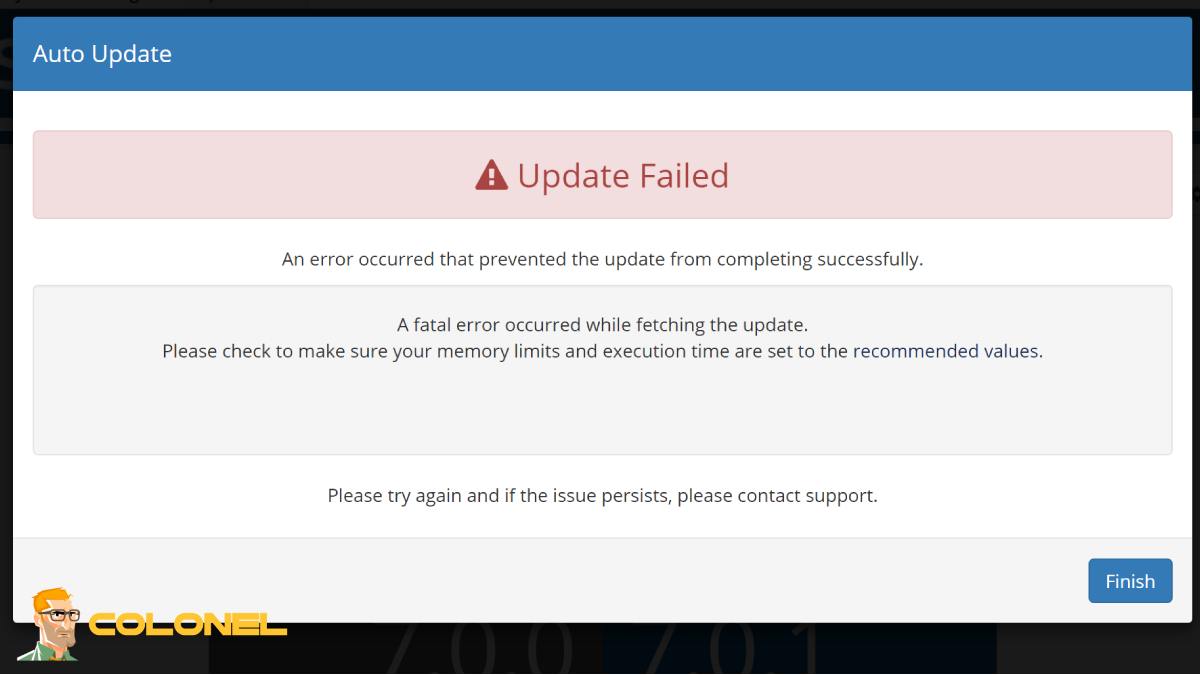
WHMCS Manual Upgrade Best Practices for a Successful Upgrade Process
In order to have a successful manual WHMCS upgrade process, it is important to follow best practices that ensure the entire process is smooth and efficient.
The first practice involves performing the upgrade process in a testing environment. By doing so, you will avoid causing any issues on your live website. Außerdem, always ensure that you upload the updated files through an efficient process and validate them upon upload.
Maintenance is another critical factor in ensuring that the WHMCS upgrade process goes smoothly. Regularly cleaning up your website ensures that no outdated files and modules interfere with the upgrade process.
WHMCS manual upgrade errors: conclusion
Handling WHMCS manual upgrade errors is difficult, but with the right techniques in place, most problems can be avoided and even corrected. From recognizing what causes the error to using an extensive list of items that should be checked before upgrading the system, every single step is important to make the process go smoothly. File permissions, the database, and even the templates should be taken into consideration when planning an upgrade for your system.
By using the best practices in upgrading systems and creating necessary backup files, the possibility of getting WHMCS manual upgrade errors becomes minimal. And even when they happen, it will be easier for you to roll back to a previous version.
Mastering how to manage WHMCS manual upgrade errors can do wonders for you.