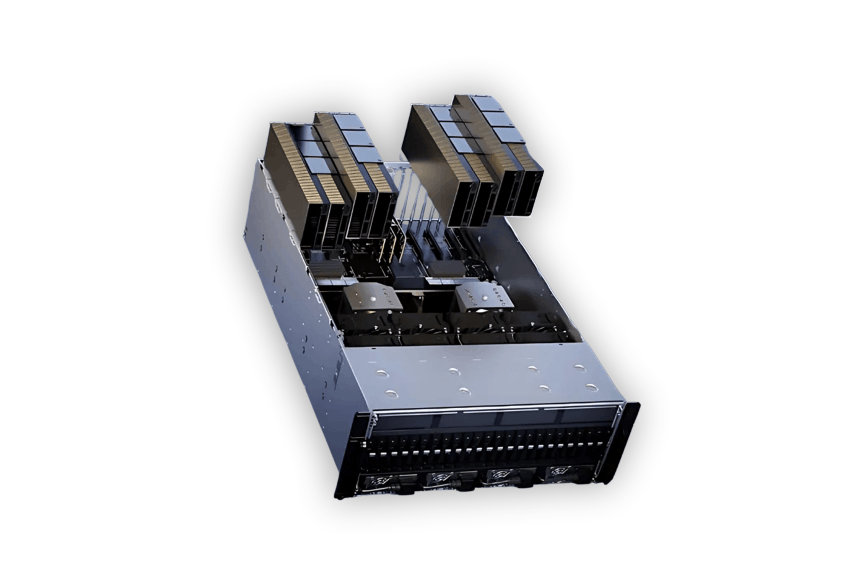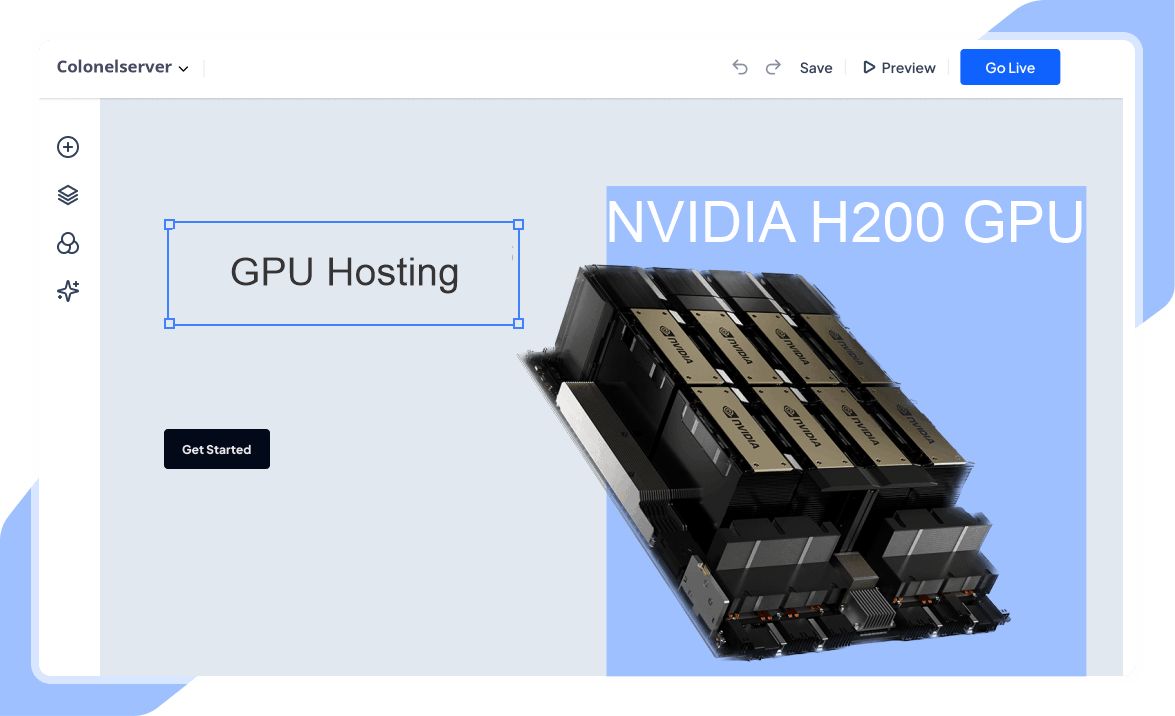

Deploy high-performance NVIDIA H200 GPUs
Run demanding AI workloads on powerful NVIDIA H200 GPUs with fast deployment, hoogwaardige infrastructuur, and scalable cloud compute designed for modern machine learning applications.
- Geoptimaliseerd voor AI & LLM-werklasten
- High-performance GPU infrastructure
- Scalable cloud deployment
- Enterprise-grade compute performance
Beginnend om
$2.30 per GPU / uur

Ons klantengeluk

Kolonel wordt beoordeeld op Google Review

Kolonel wordt beoordeeld op Capterra
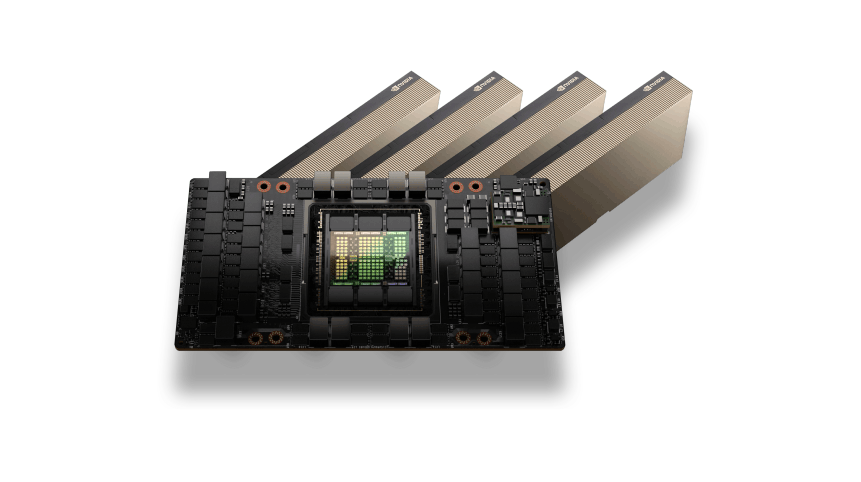
NVIDIA H200 GPU Architecture
The NVIDIA H200 GPU is built on the Hopper architecture and delivers exceptional performance for modern AI workloads. With massive HBM3e memory capacity and extremely high memory bandwidth, H200 GPUs are designed to handle large language models, diepgaande leeropleiding, and high-performance computing tasks.
AI and HPC Performance
NVIDIA H200 GPUs are optimized for demanding AI and HPC environments where large datasets and complex computations require powerful acceleration.
Whether running AI training pipelines, LLM inference, or scientific simulations, H200 GPUs provide the compute performance needed to process large workloads efficiently while maintaining low latency and high scalability.
NVIDIA H200 GPUs Use Cases
AI-modeltraining
Train large-scale machine learning and deep learning models using the massive compute power of NVIDIA H200 GPUs. Ideal for training transformer models, neural networks, and large datasets.
LLM Inference
Deploy and run large language models (LLMs) such as GPT-style models, chatbots, and AI assistants with high-performance GPU inference.
High Performance Computing (HPC)
Accelerate scientific simulations, research workloads, and complex computational tasks that require massive parallel processing.
AI Data Processing
Process and analyze large datasets for AI pipelines, including preprocessing, feature extraction, and large-scale data analytics.
Rendering and Simulation
Run GPU-intensive workloads such as 3D rendering, video processing, and physics simulations that require powerful parallel GPU computing.
Flexible H200 GPU Pricing
H200 GPU
Flexibele on-demand GPU-computing voor AI-training, werklasten afleiden, en krachtige toepassingen.$2.30 per GPU / uur
Beste prijsTop aanbevolen
NVIDIA H200 GPU-versnelling
141GB HBM3e GPU-geheugen
Facturering op uurbasis
Krachtige NVMe-opslag
Snelle 10-100 Gbps-netwerken
Ideaal voor AI-training en gevolgtrekking
Schaalbare GPU-cloudinfrastructuur
Implementeer binnen enkele minuten
Geoptimaliseerd voor LLM-workloads
Enterprise GPU-infrastructuur
Er is behoefte aan grootschalige GPU-capaciteit voor AI-trainingsclusters of bedrijfsworkloads?$ Aangepaste prijzen
Voor implementaties met meerdere GPU's en speciale clustersTop aanbevolen
H200-clusters met meerdere GPU's
Toegewijde GPU-servers
Aangepaste CPU, RAM, en opslagconfiguraties
Snelle GPU-netwerkinfrastructuur
Ontworpen voor AI-training en HPC-workloads
Prestaties en betrouwbaarheid op ondernemingsniveau
Schaalbare AI-computeromgevingen
Prioritaire technische ondersteuning
Enterprise Features of NVIDIA H200 GPU Servers
Extreme AI Training Performance
Leverage the massive compute power of NVIDIA H200 GPUs to train large-scale AI models, deep neural networks, and complex machine learning workloads with exceptional speed and efficiency.
Large HBM3e GPU Memory
H200 GPUs provide high-capacity HBM3e memory designed for demanding AI workloads, large language models, and high-performance data processing pipelines.
Optimized for LLM Workloads
Run modern large language models and AI inference workloads efficiently with GPU architecture optimized for transformer models and generative AI applications.
High-Speed GPU Infrastructure
Our GPU servers are deployed on high-performance infrastructure with NVMe storage and fast networking, ensuring low latency and maximum compute performance.
Scalable GPU Deployment
Easily scale your compute environment from a single GPU instance to multi-GPU workloads depending on your AI training or inference requirements.
Flexible Cloud or Dedicated Deployment
Choose between on-demand cloud GPU instances for flexible workloads or speciale GPU-servers for long-running AI training and enterprise deployments.
Hulp nodig bij het kiezen van de juiste GPU-infrastructuur?
GPU Server Frequently Asked Questions
Find answers to common questions about NVIDIA H200 GPU servers, implementatie opties, prijzen, en AI-werklastmogelijkheden.

Livechat
24/7/365 Via de Chat Widget is het belangrijk als je rent.
NVIDIA H200 GPU hosting provides accelerated compute for AI, large language models, and memory-intensive applications. Choose a server configuration around your model size and workload.
H200 servers can support deep learning, large-model inference, wetenschappelijk computergebruik, and other compatible GPU-accelerated applications. Actual performance depends on software and workload configuration.
GPU memory holds model weights and working data. Larger models, bigger batches, and longer contexts increase memory requirements, so estimate these needs before selecting a server.
You can use compatible GPU-enabled frameworks with a suitable NVIDIA driver and CUDA software stack. Check the framework version and deployment image requirements before installation.
Nee. Smaller models and development tasks may fit other GPU options. Compare memory requirements, measured performance, and running costs to choose suitable hardware.
Review the available GPU configuration, system RAM, CPU, opslag, network allowance, and billing terms. Match these resources to your application and expected usage.
Match GPU memory to your model or rendering workload, then allow enough system RAM, CPU, and storage for data preparation and application processes. Test representative workloads before scaling.
GPU-accelerated rendering is possible with compatible software. Confirm support for your GPU model, driver version, operating system, and application licence before deployment.
Ja. Keep independent copies of datasets, code, configuration, and model checkpoints. GPU compute resources do not replace a backup and recovery plan.
Confirm GPU availability, driver and framework compatibility, storage capacity, network terms, and billing conditions. Choose a configuration that fits your workload and test it before production use.