



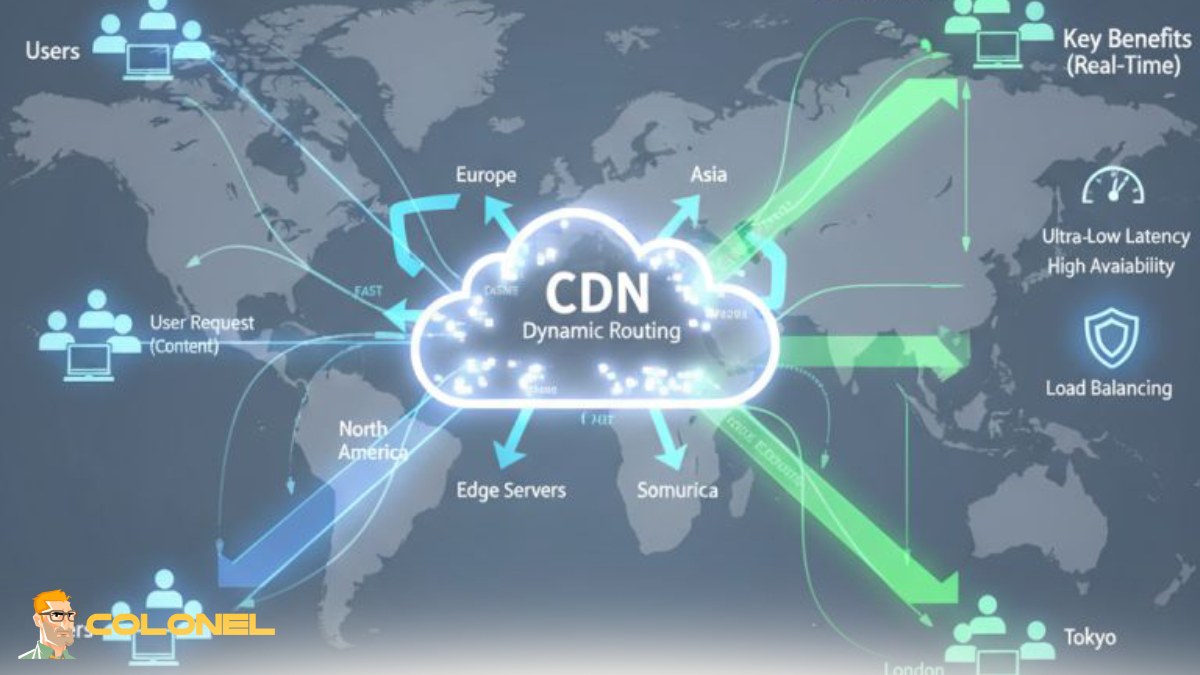

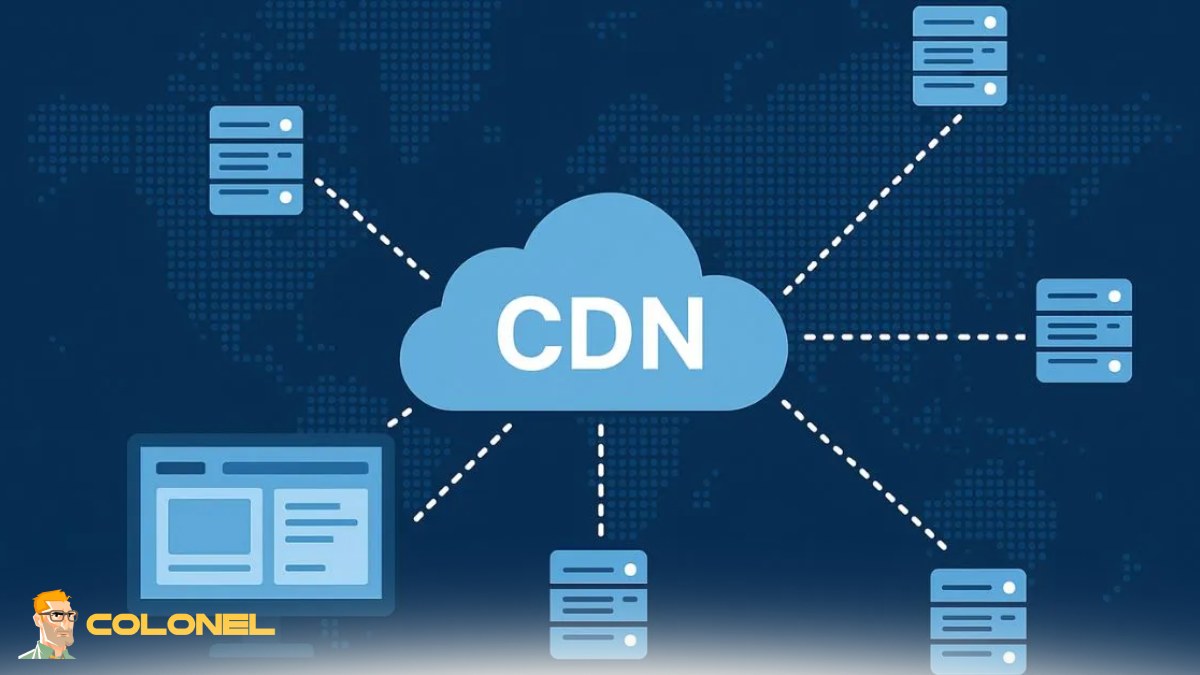

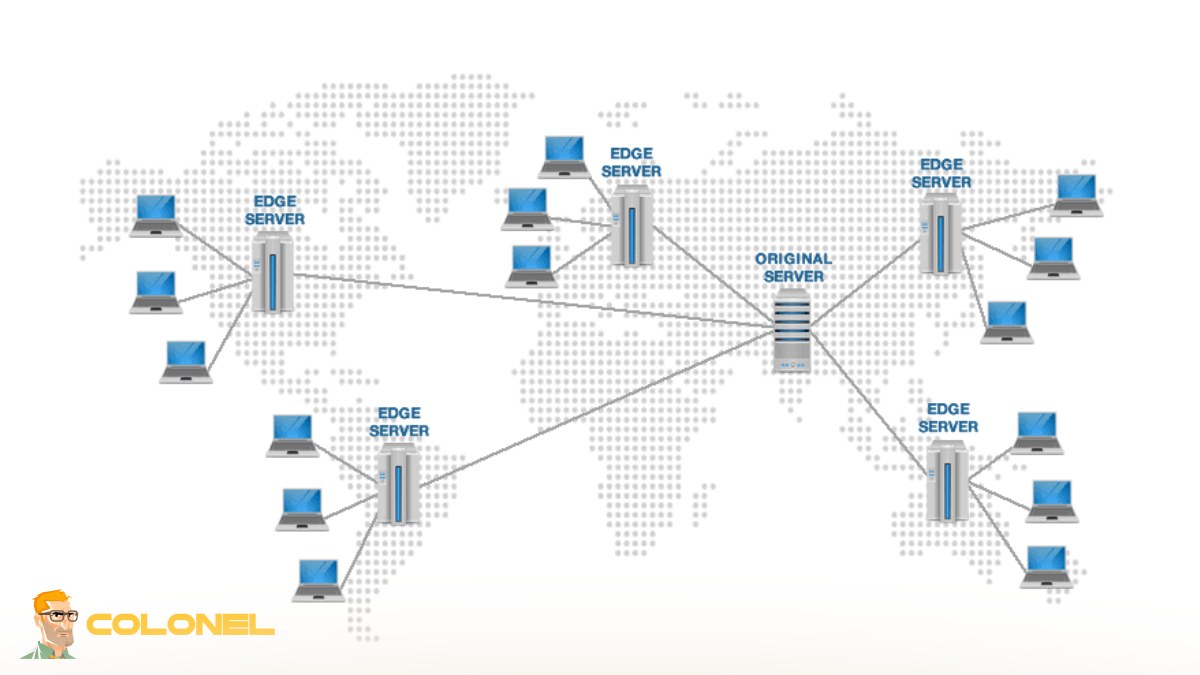
How to Enable SSL, HTTP/2, and Security Features in a CDN
Security and performance must be configured together when deploying a CDN. Modern CDN platforms provide built-in SSL management that allows you to issue and renew certificates automatically or upload a custom certificate for full control. Activating end-to-end HTTPS ensures encrypted data transfer between the visitor, the CDN edge, and the origin server.
SSL Configuration and HTTPS Enforcement
Start by enabling full SSL mode and forcing HTTPS redirection across your entire website. This prevents mixed-content issues and improves search engine trust. HSTS can also be activated to instruct browsers to always use secure connections.
Enabling HTTP/2 and HTTP/3 for Faster Delivery
HTTP/2 and HTTP/3 significantly improve loading speed through multiplexing, header compression, and reduced latency. These protocols allow multiple assets to be delivered simultaneously over a single connection, which is essential for modern, asset-heavy websites.
Web Application Firewall and DDoS Protection
A Web Application Firewall filters malicious traffic before it reaches your origin server. Combined with CDN-level DDoS mitigation, it protects your infrastructure from traffic floods, bot attacks, and common vulnerabilities while maintaining high availability.
These configurations not only harden your website against threats but also enhance performance through faster and more efficient content delivery.
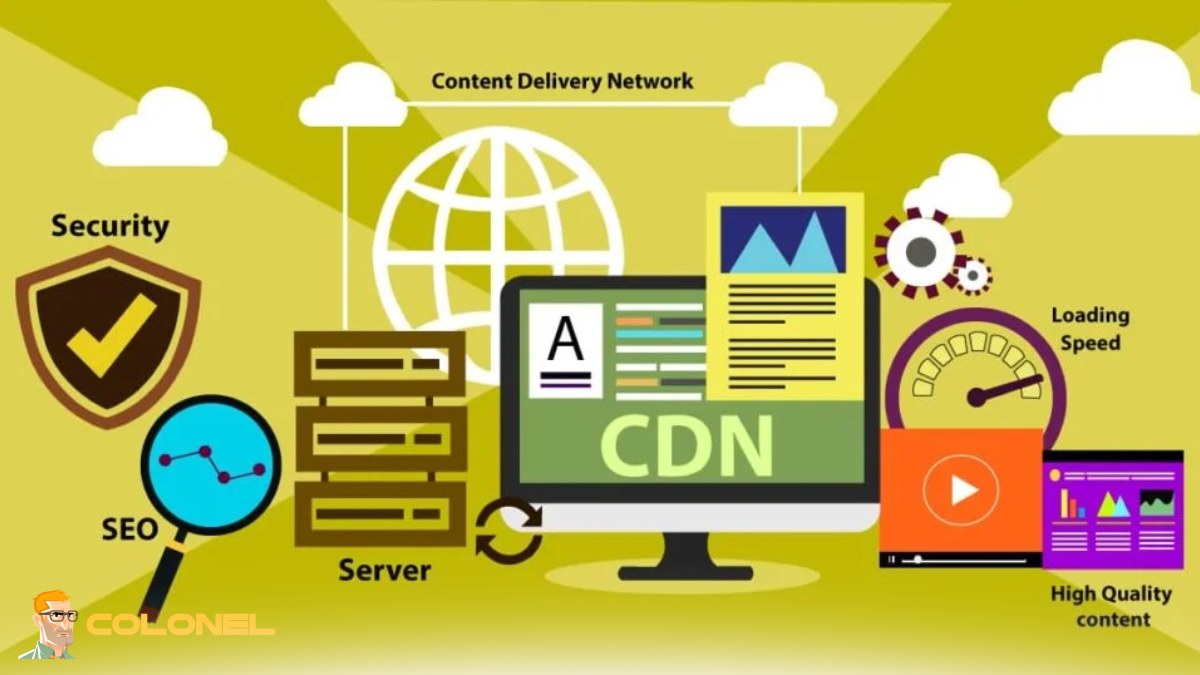
How to Test If Your CDN Is Working Properly
After completing How to Set Up a CDN, verification is a critical step to ensure traffic is actually being served through edge nodes rather than your origin server.
Checking CDN Response Headers
Use browser developer tools or command-line requests to confirm cache status. Headers such as HIT, MISS, or BYPASS indicate whether content is being delivered from the CDN cache.
Testing Global Load Performance
Run speed tests from multiple geographic regions. A properly configured CDN will show consistent load times regardless of user location, proving that edge servers are delivering cached content.
Measuring Origin Server Load Reduction
Monitor your hosting panel or server analytics to confirm fewer direct requests are reaching the origin. Lower CPU usage and bandwidth consumption are clear indicators of successful CDN integration.
Performance tools such as GTmetrix and PageSpeed Insights should reflect faster rendering, improved Core Web Vitals, and reduced Time to First Byte.
Common CDN Setup Mistakes That Slow Down Your Website
A CDN can become a bottleneck if it is configured incorrectly. Many performance issues occur because default settings are left unchanged.
Caching Dynamic or HTML Content Incorrectly
Caching dynamic pages can cause outdated content to be served to users. Proper cache rules must distinguish between static assets and dynamic responses.
Compression and File Optimization Not Enabled
Failing to activate Brotli or GZIP compression increases file size and slows down delivery from edge servers.
No Cache Purge Strategy
Without a purge mechanism, users may continue receiving old versions of updated files. Automated cache invalidation ensures visitors always see the latest content.
Mixed Content and SSL Misconfiguration
If some resources are still loaded over HTTP, browsers will block them or mark the site as insecure, which negatively affects both UX and SEO.
Avoiding these misconfigurations ensures the CDN truly accelerates your website instead of adding an extra routing layer.

How to Monitor and Analyze CDN Performance
CDN performance is not a one-time setup — it requires continuous analysis and optimization.
Cache Hit Ratio and Edge Efficiency
A high cache hit ratio means most requests are served directly from edge servers, which reduces latency and origin load. If the ratio is low, caching rules need refinement.
Edge Response Time and Latency Tracking
Monitoring response time from different regions helps identify underperforming locations and routing issues.
Bandwidth Savings and Traffic Offloading
One of the main advantages of a CDN is reduced bandwidth usage on the origin server. Tracking this metric helps measure cost efficiency and scalability.
Error Rate and Availability Monitoring
Analyze HTTP status codes and downtime events to ensure consistent content delivery.
For businesses managing both web performance and email infrastructure, network reputation also plays a major role in deliverability and trust. The article Stop Email Blacklisting with Smart /24 IP Strategy explains how IP structure impacts overall server credibility and complements your performance optimization strategy.
CDN Optimization Tips for High-Traffic and E-commerce Websites
High-traffic and transactional websites require advanced CDN tuning beyond the default setup.
Separate Caching for Static and Dynamic Content
Static assets such as images, CSS, and JavaScript should have long cache lifetimes, while dynamic content should use smart bypass or edge logic to maintain real-time accuracy.
Image Optimization and Next-Gen Formats
Serving images in modern formats such as WebP directly from the CDN reduces file size and improves mobile performance without additional plugins.
API and Dynamic Content Acceleration
Modern CDNs can cache or accelerate API responses using edge logic, reducing the processing load on the origin and improving application responsiveness.
Geo-Based Routing and Edge Rules
Traffic can be routed based on user location, device type, or request headers. This allows localized content delivery and personalized performance optimization.
This phase represents the advanced level of How to Set Up a CDN, where fine-tuned configurations allow high-traffic platforms and e-commerce stores to scale globally without upgrading their core hosting infrastructure.